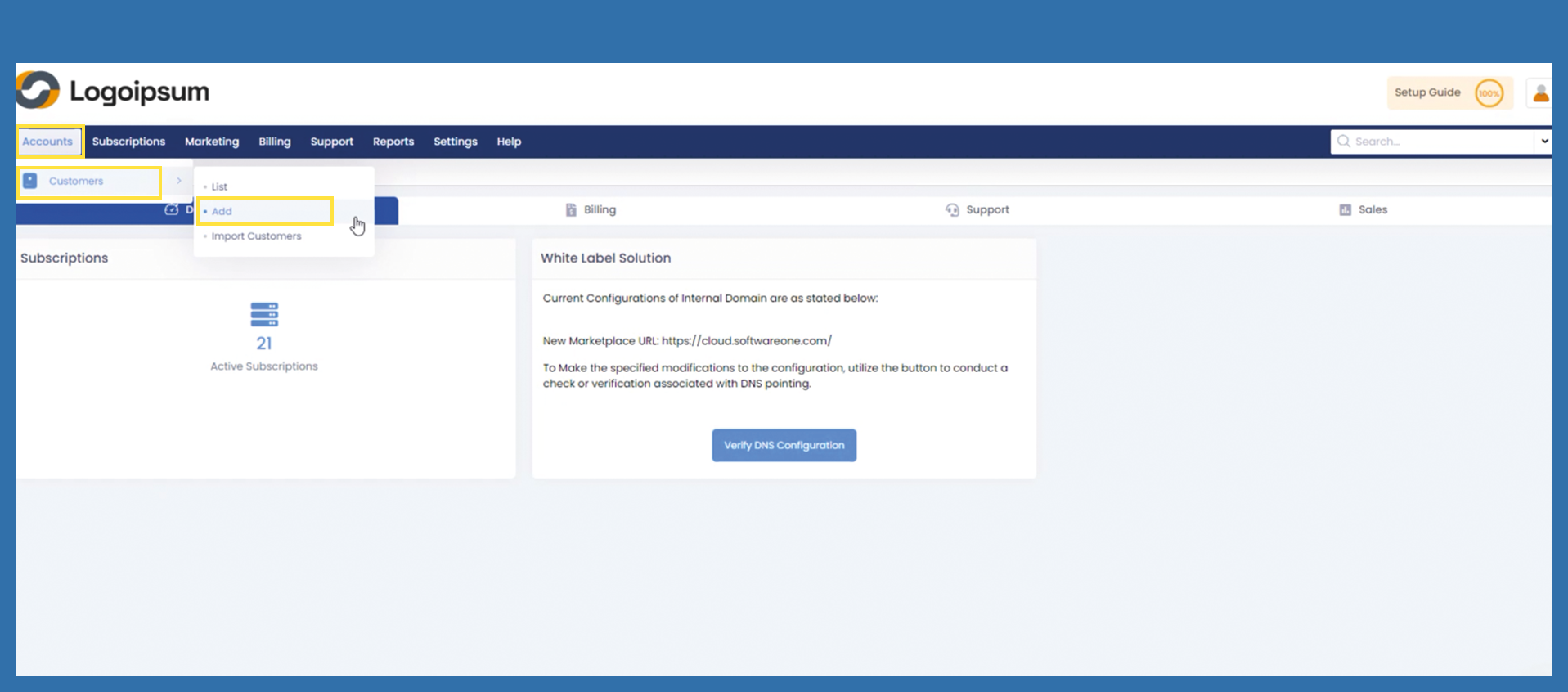
Accounts > Customers > Add
This is an option if the end customer does not want to actively register on your Marketplace, or if you also manage orders for your end customer.
As a partner, you have the option of creating your end customer manually in your Marketplace.
To add an end customer, please click the following path:
Accounts > Customers > Add
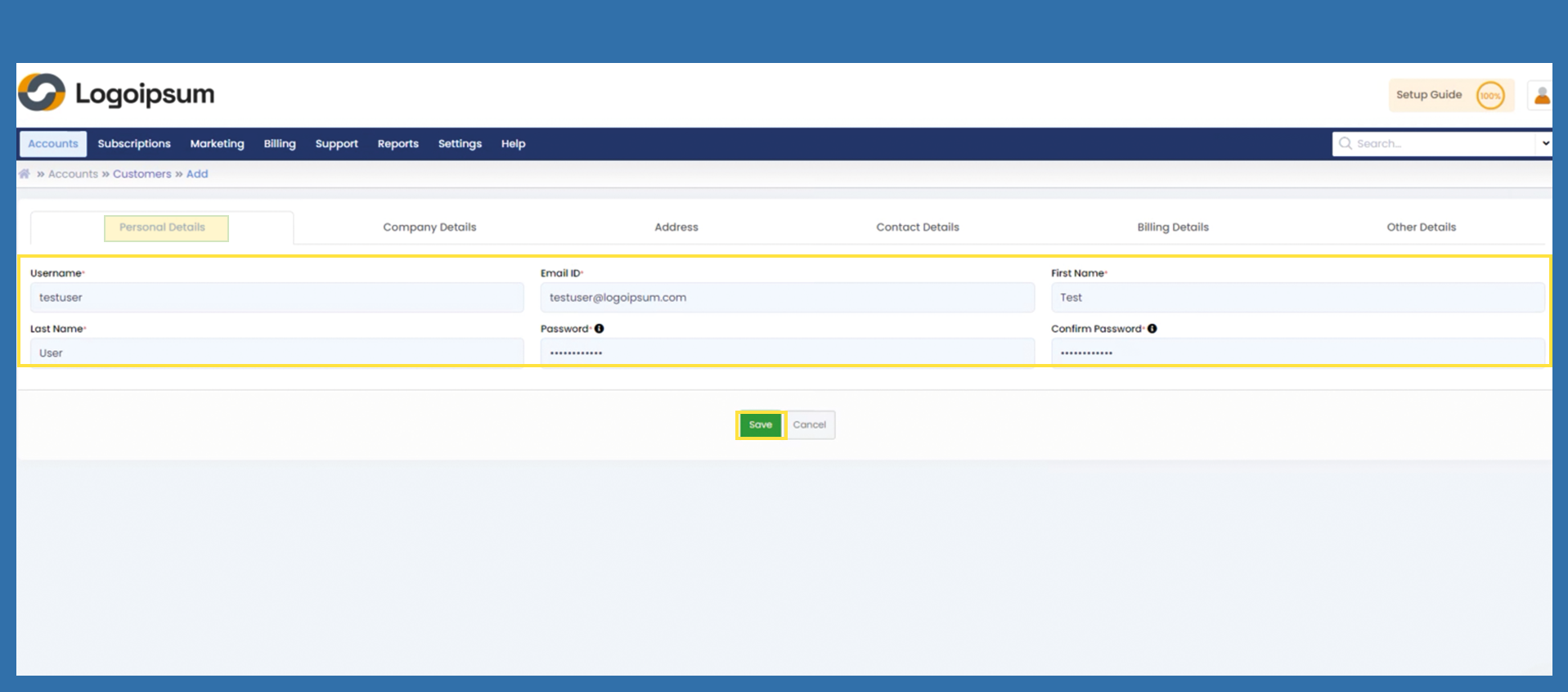
Please fill in the mandatory fields in the Personal Details tab. Assign a password in accordance with the security guidelines. (at least 8 characters including upper and lower case letters and special characters). Click on Save.
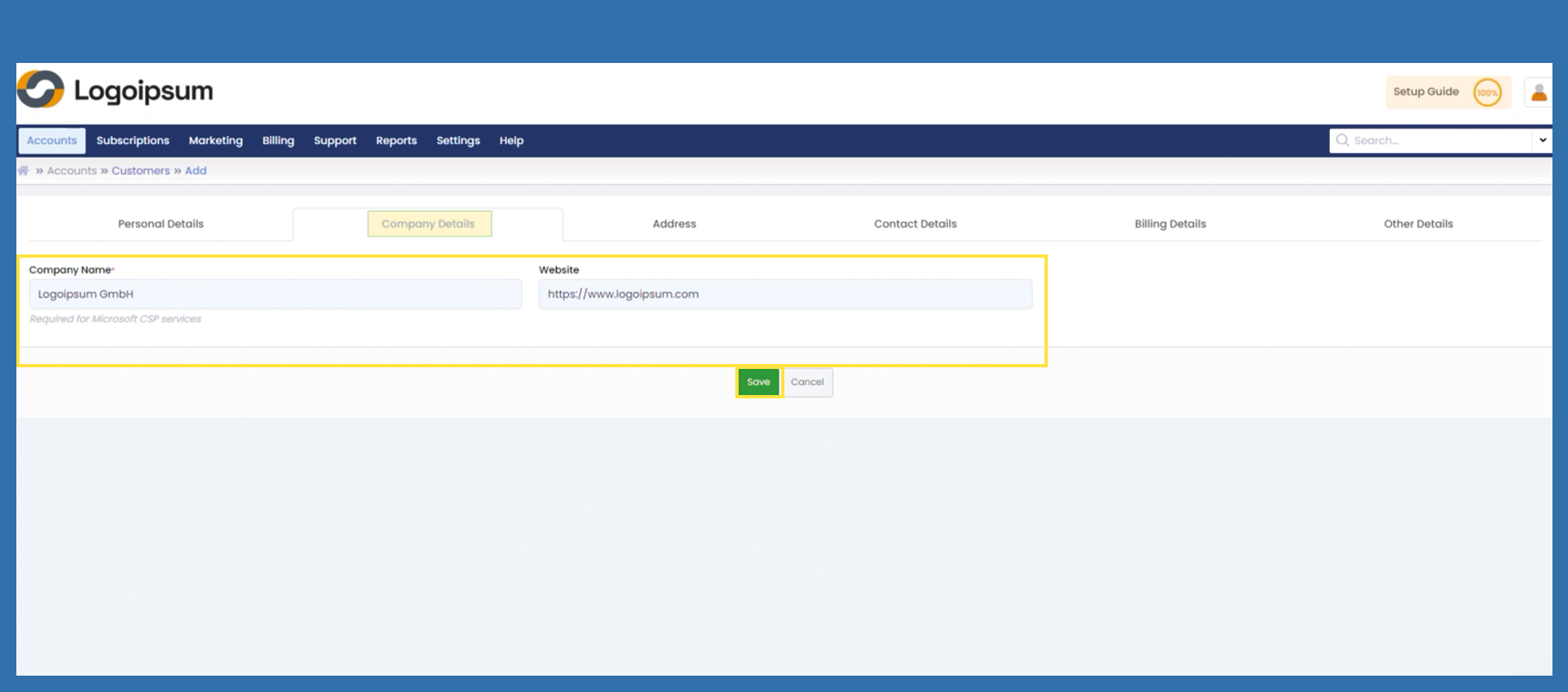
Enter the company name and, if applicable, the company's website and then click on Save.
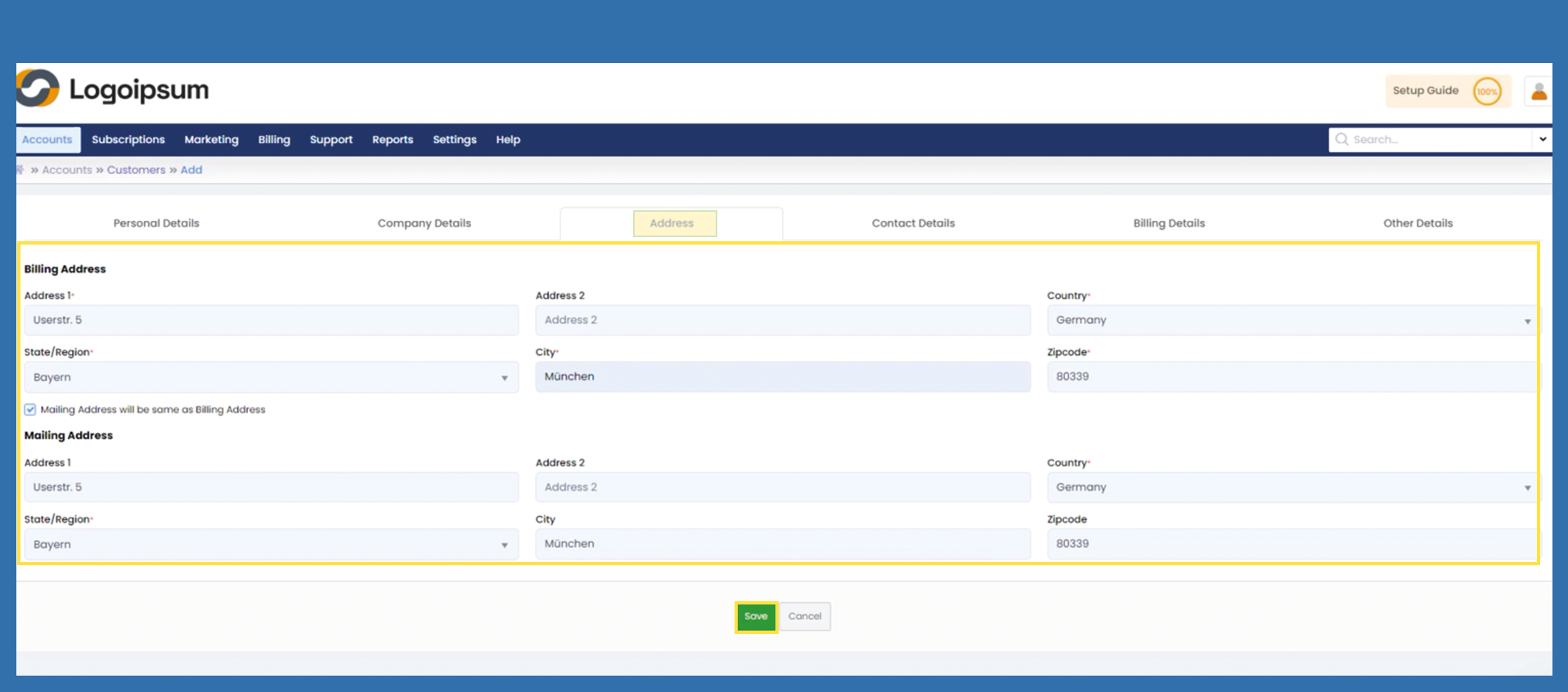
Enter the address of the company and check the box Mailing Address will be same as Billing Address. Check the box so that you do not have to fill in the mailing address. Click on Save.
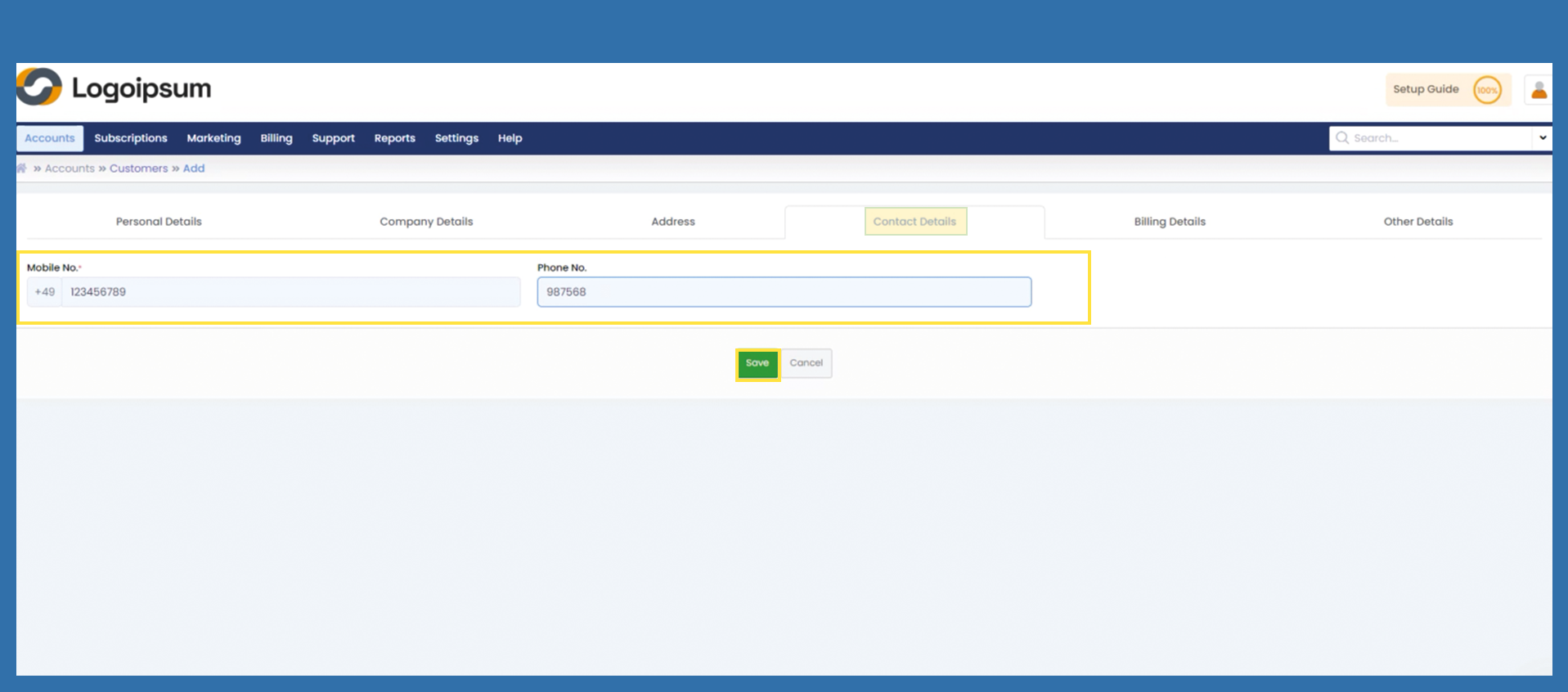
Enter the Mobile No. in the Tab Contact Details. Click on Save.
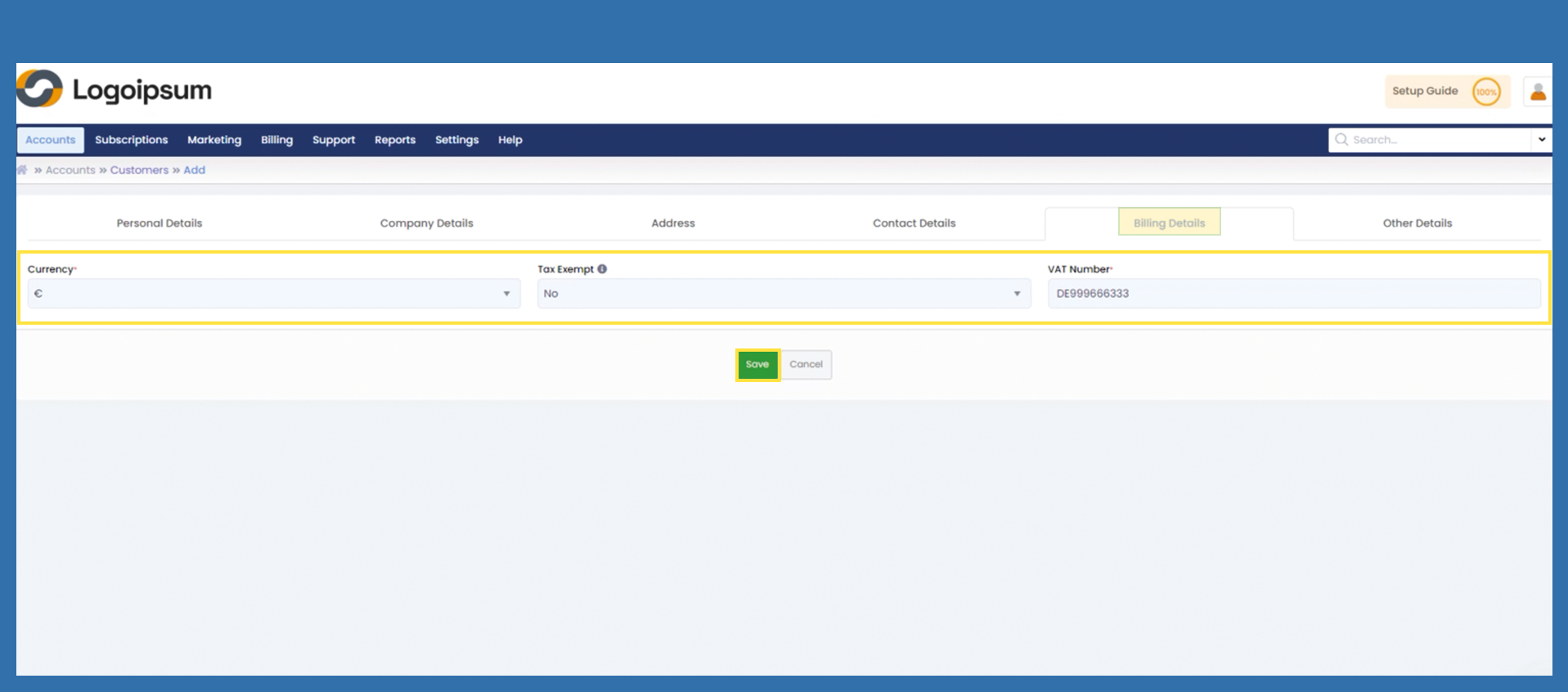
Select the currency with which the customer is charged and fill in the VAT number. Click on Save.
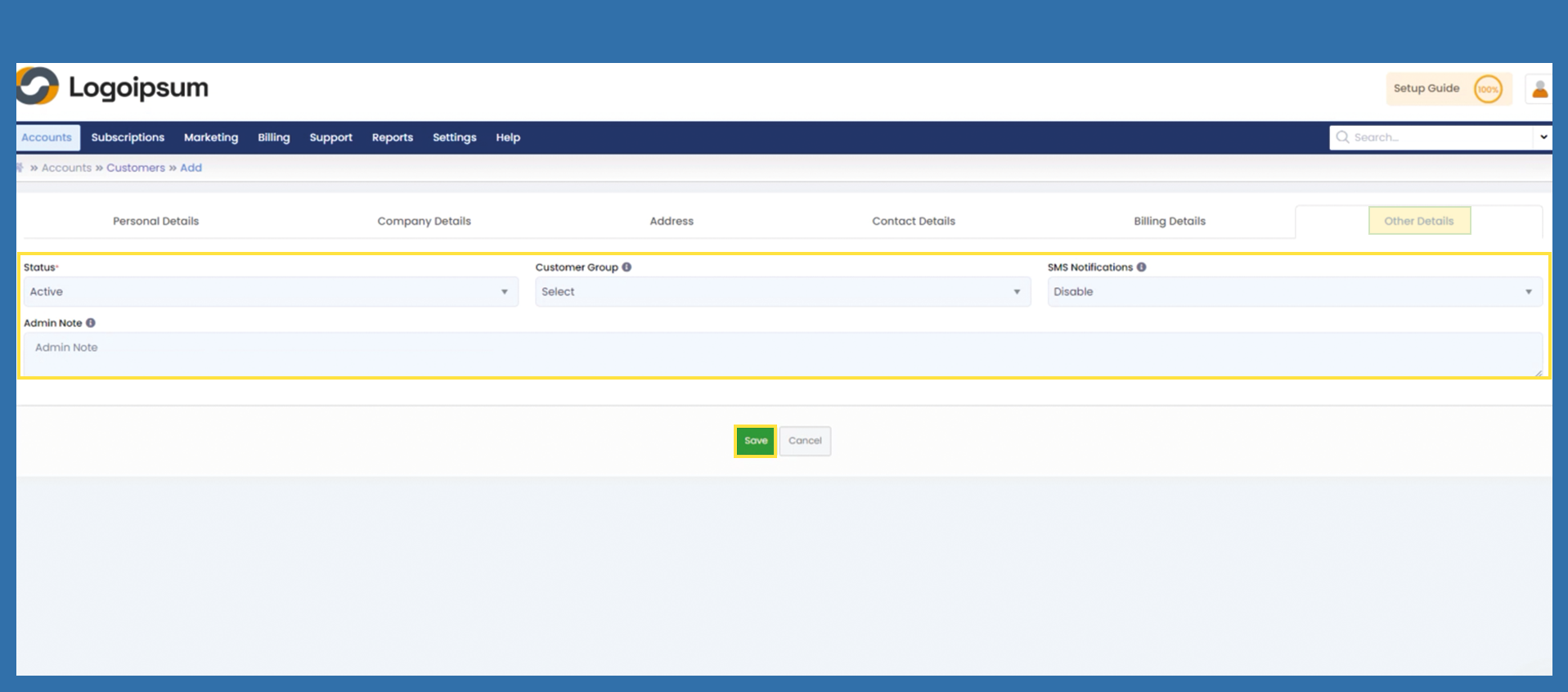
On the Other details tab, select the Active status via dropdown and click Save.