Offers > Basic Configuration
You can set your selling prices for the end customer from here.
To save the settings, use the following path:
Settings > Offers > Basic Configuration
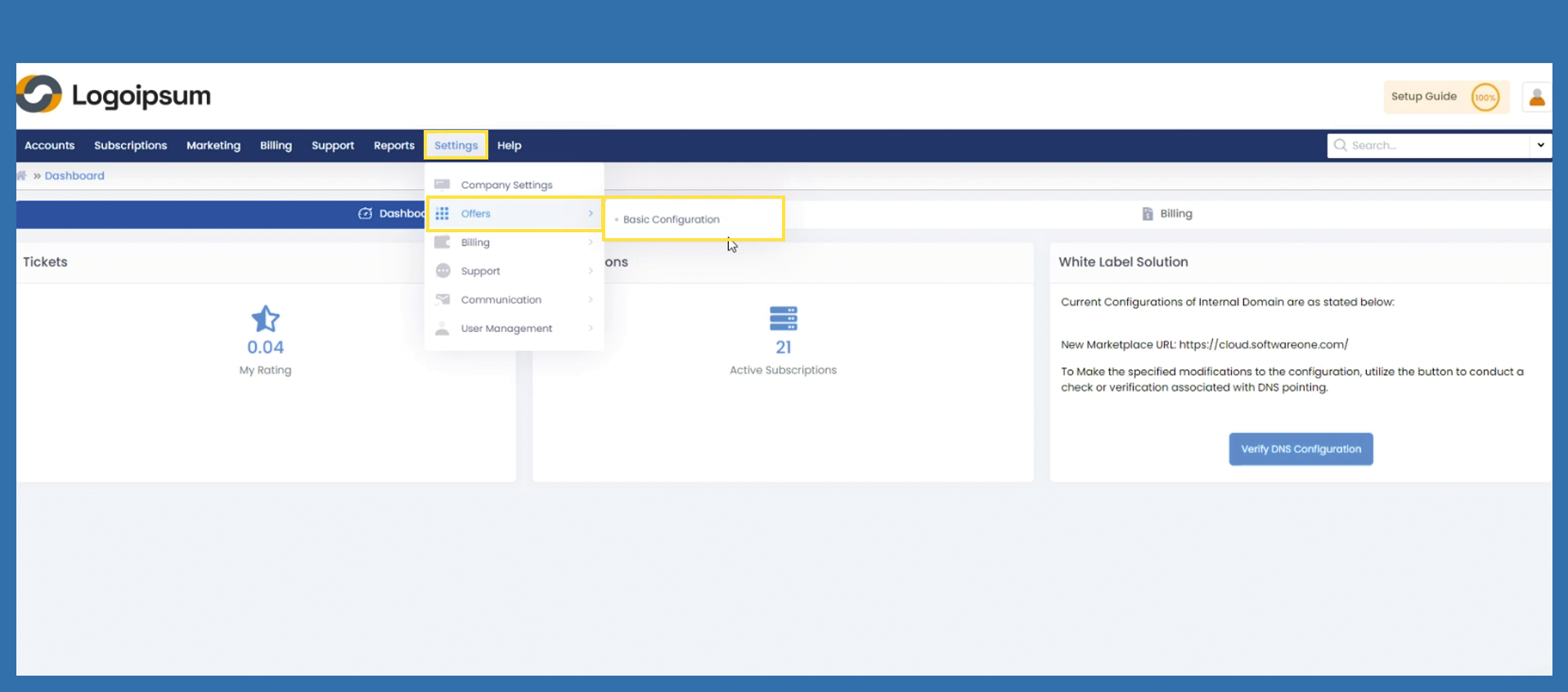
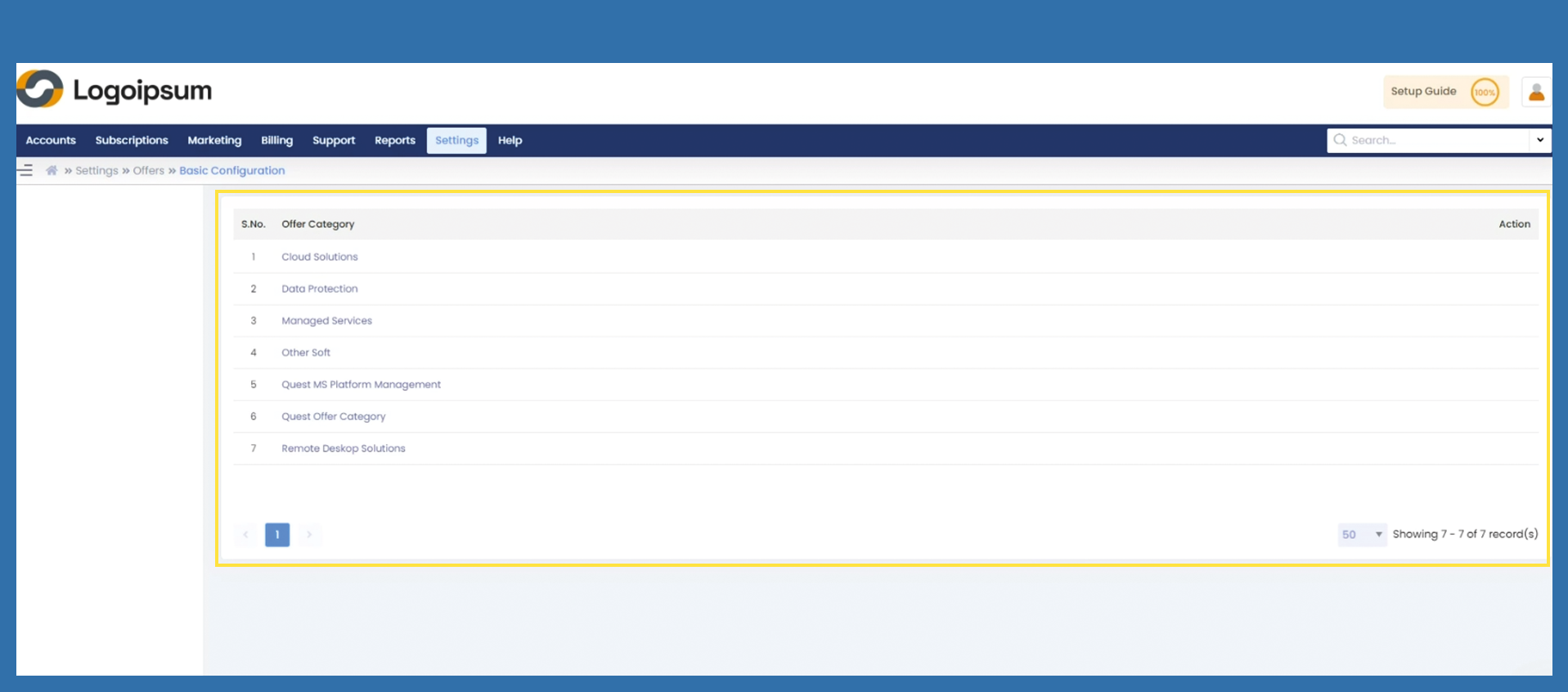
Now click on the category released for you under the corresponding Offer Category.
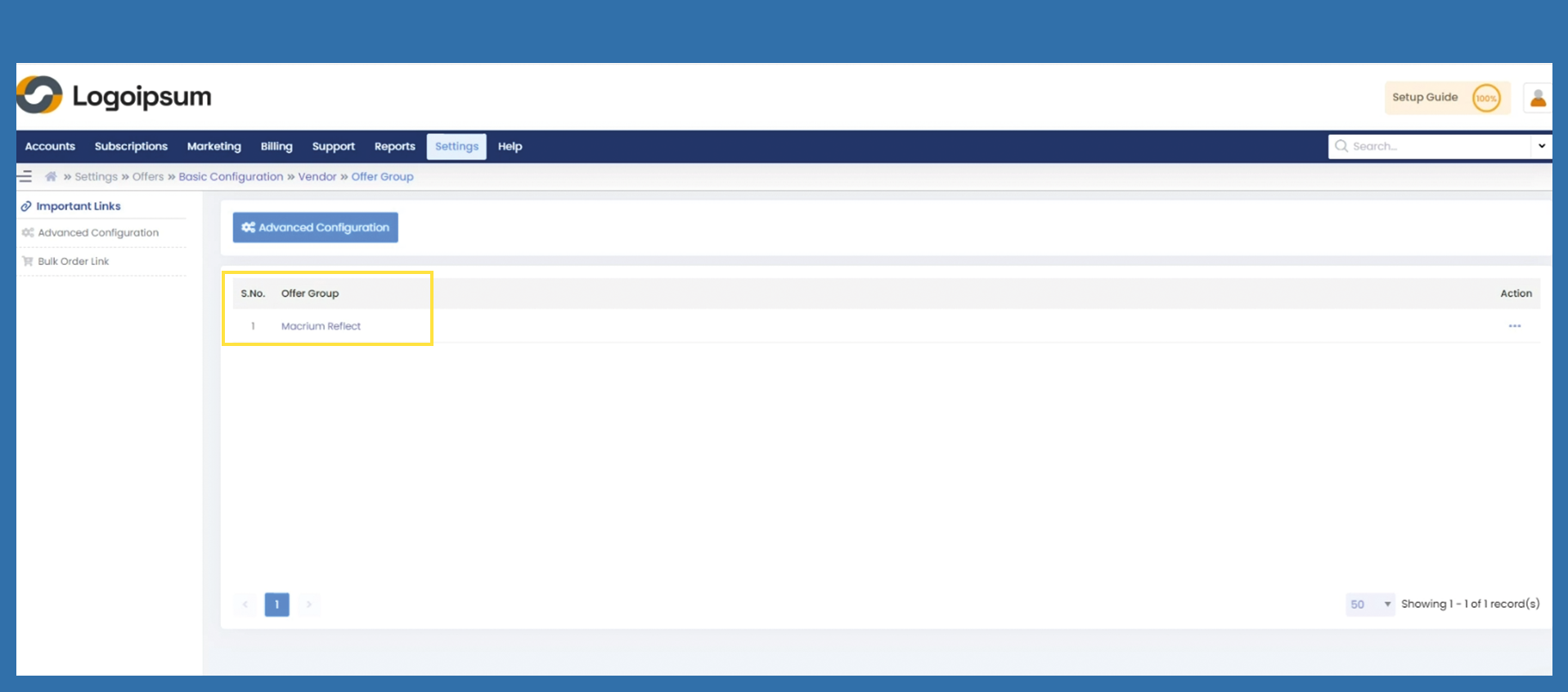
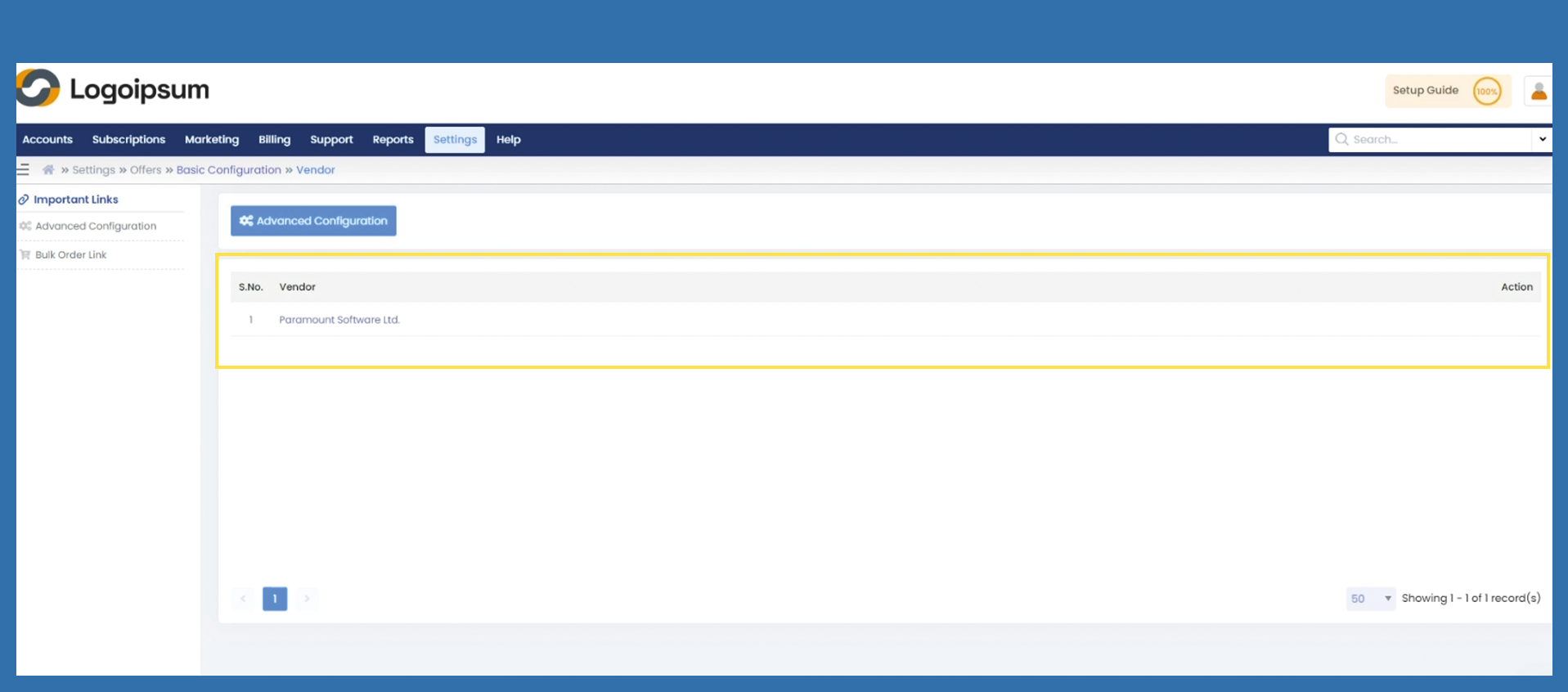
Now click on the vendor already stored.
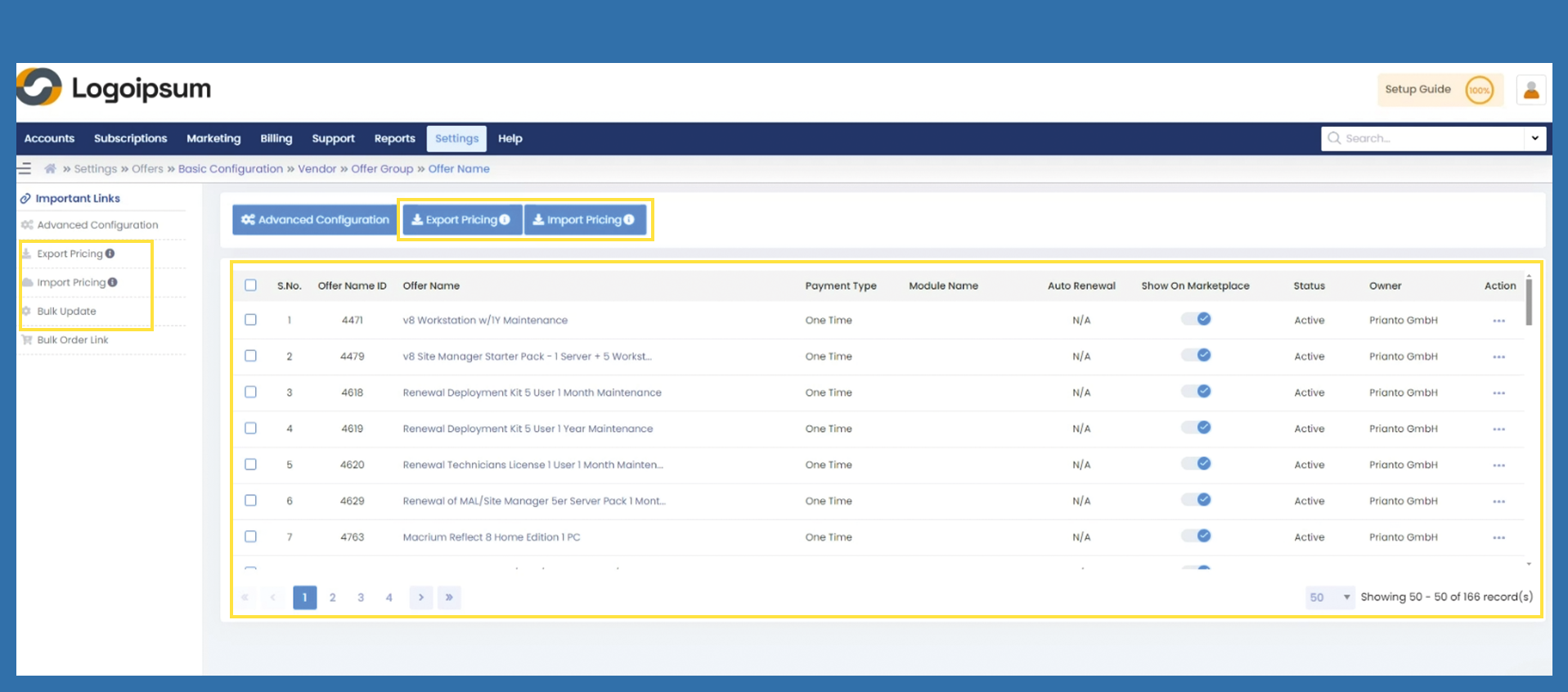
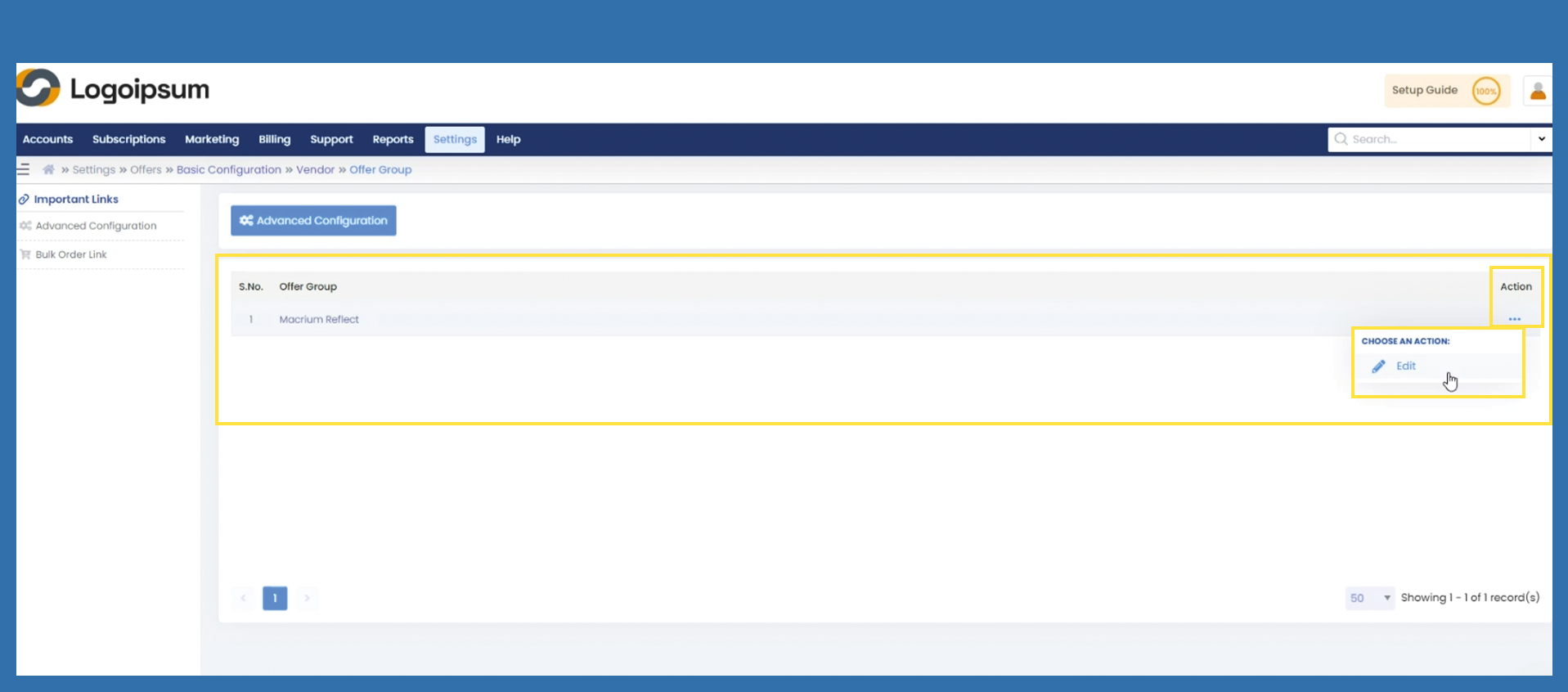
ClickThere are various options from here:
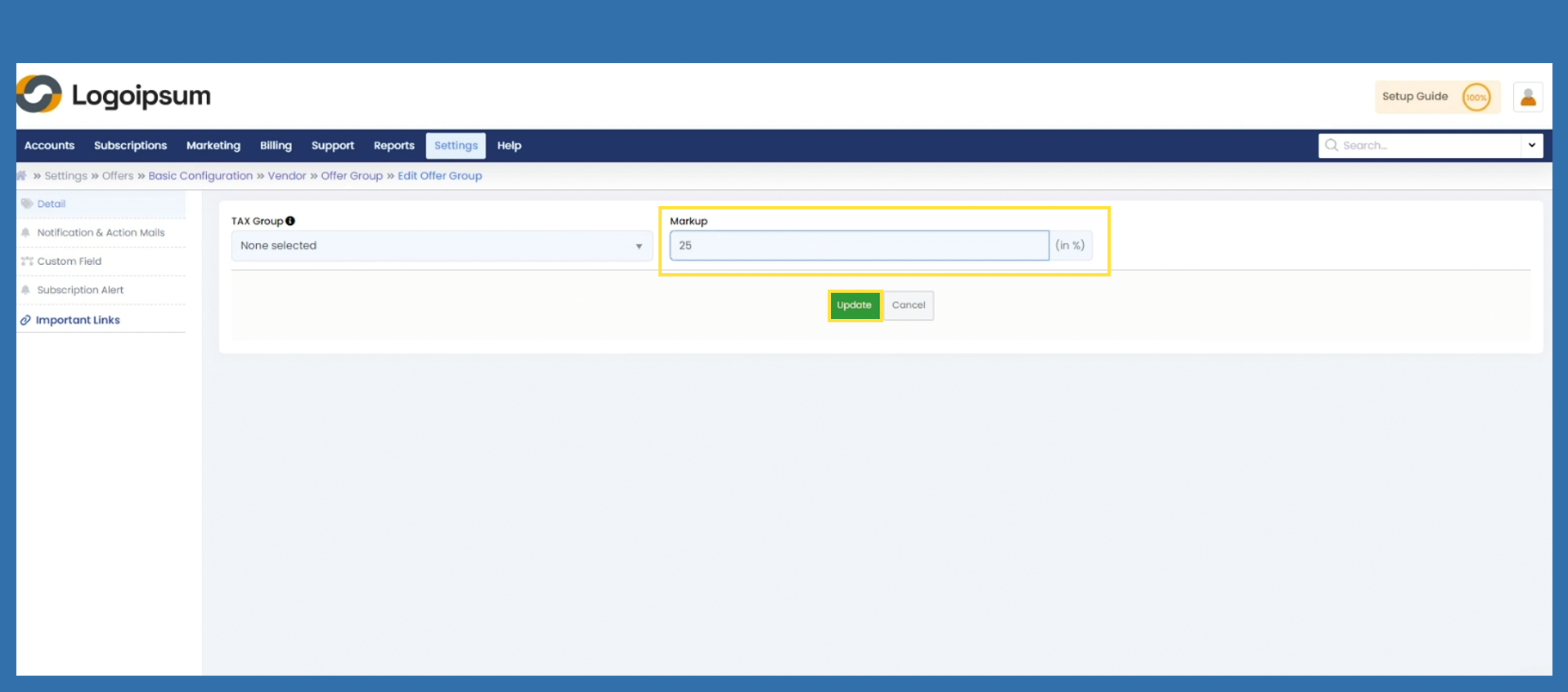
1) Set a markup on the three dots under Action to edit the entire Offeroffer Group.group.
Under Markup, enter the corresponding percentage that applies to your purchase price.