My Dashboard
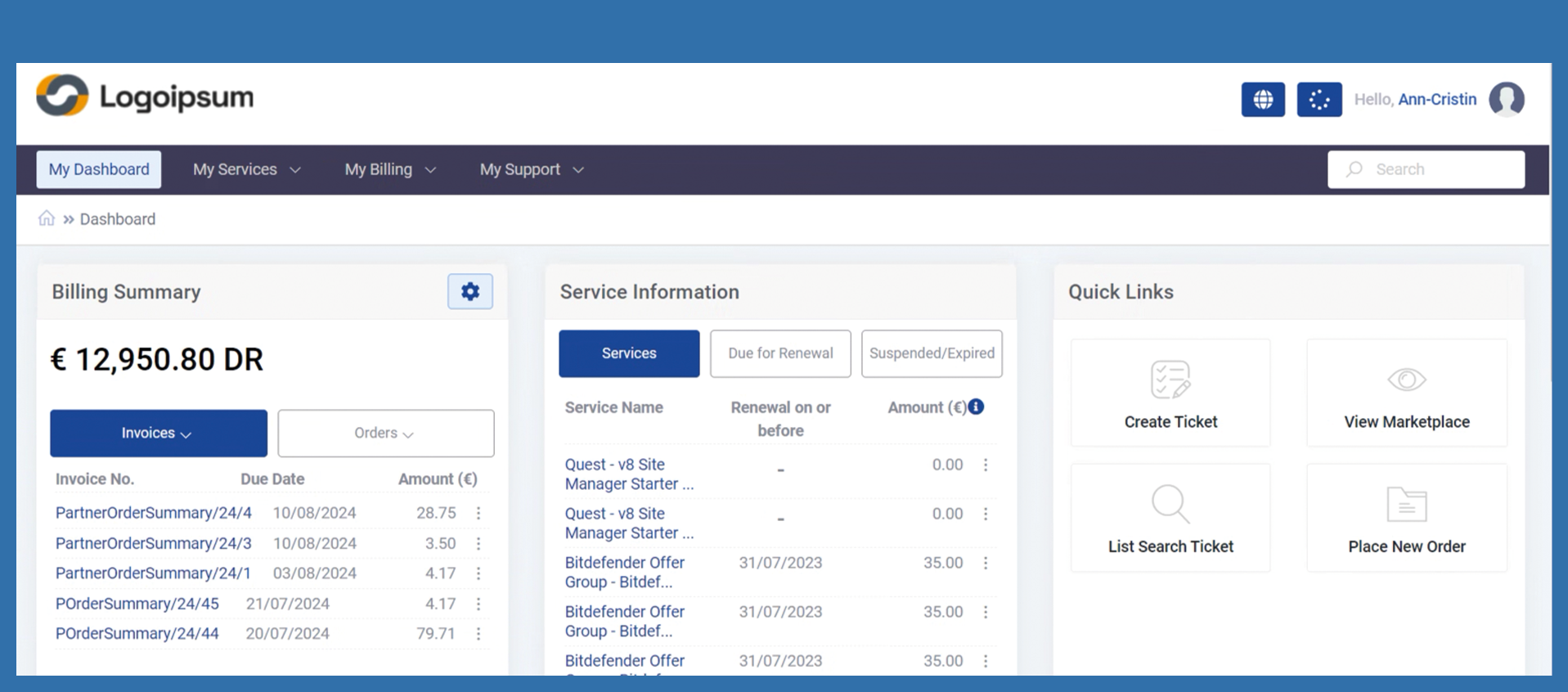
After the end customer has logged in, the dashboard is displayed first. Various functions are available from here.
Billing Summary
To the right of the name Billing Summary you will find Settings.
You can access the following functionalities via these settings:
Place new order
List/ Search Transactions
Under the billing summary, you can access order confirmations (invoices) and orders via quick access.
If you open the respective drop-down, filtering is already possible.
Service Information
Quick Links
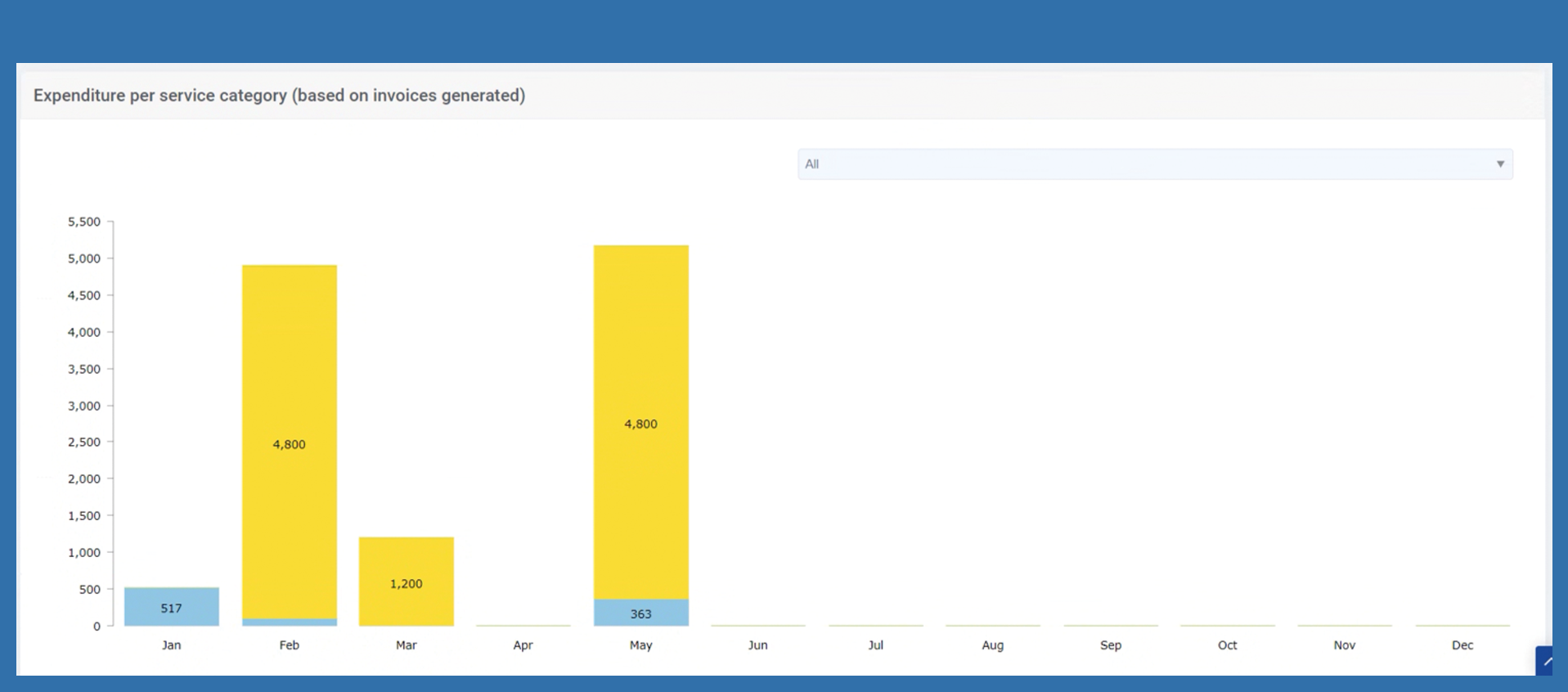
Expenditure per service category (based on invoices generated)