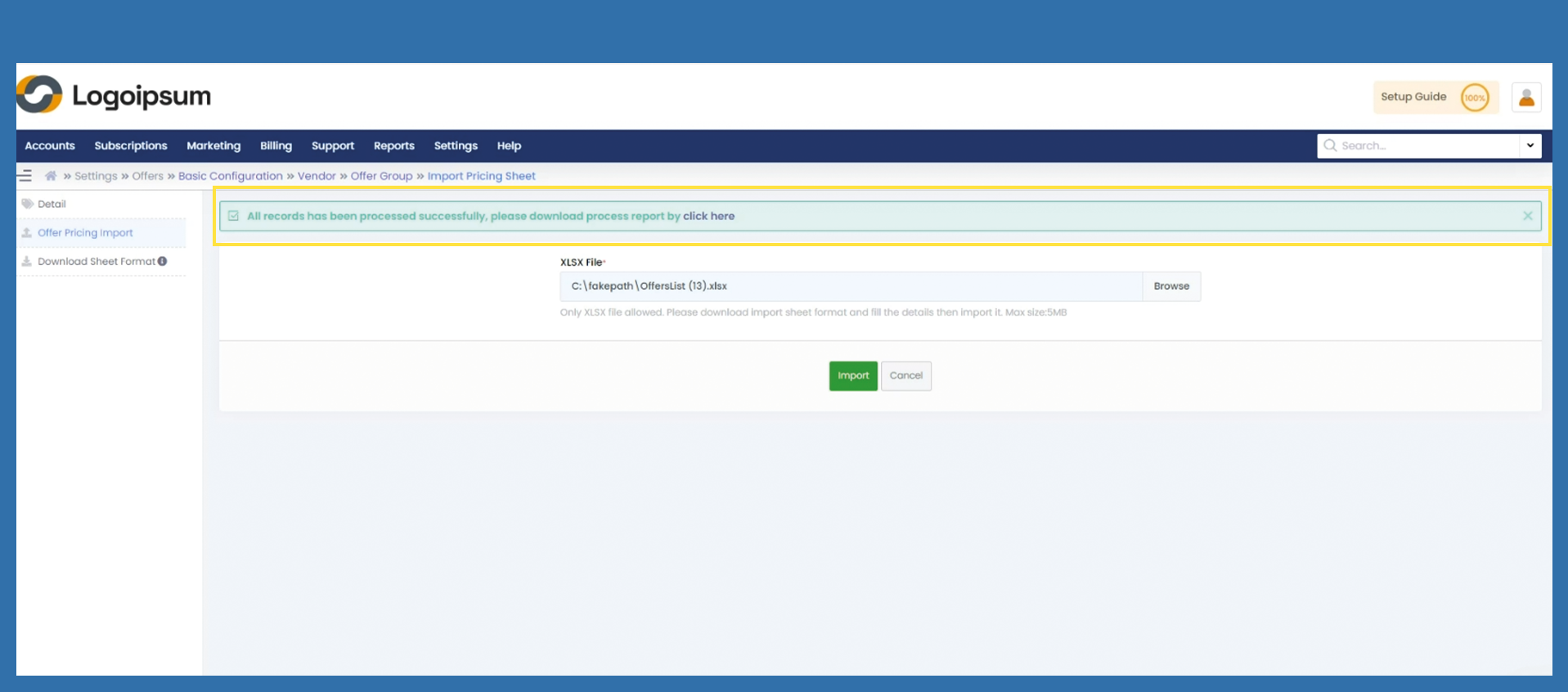
Offers > Basic Configuration > Offer Group > Offer Name > Export & Import Pricing
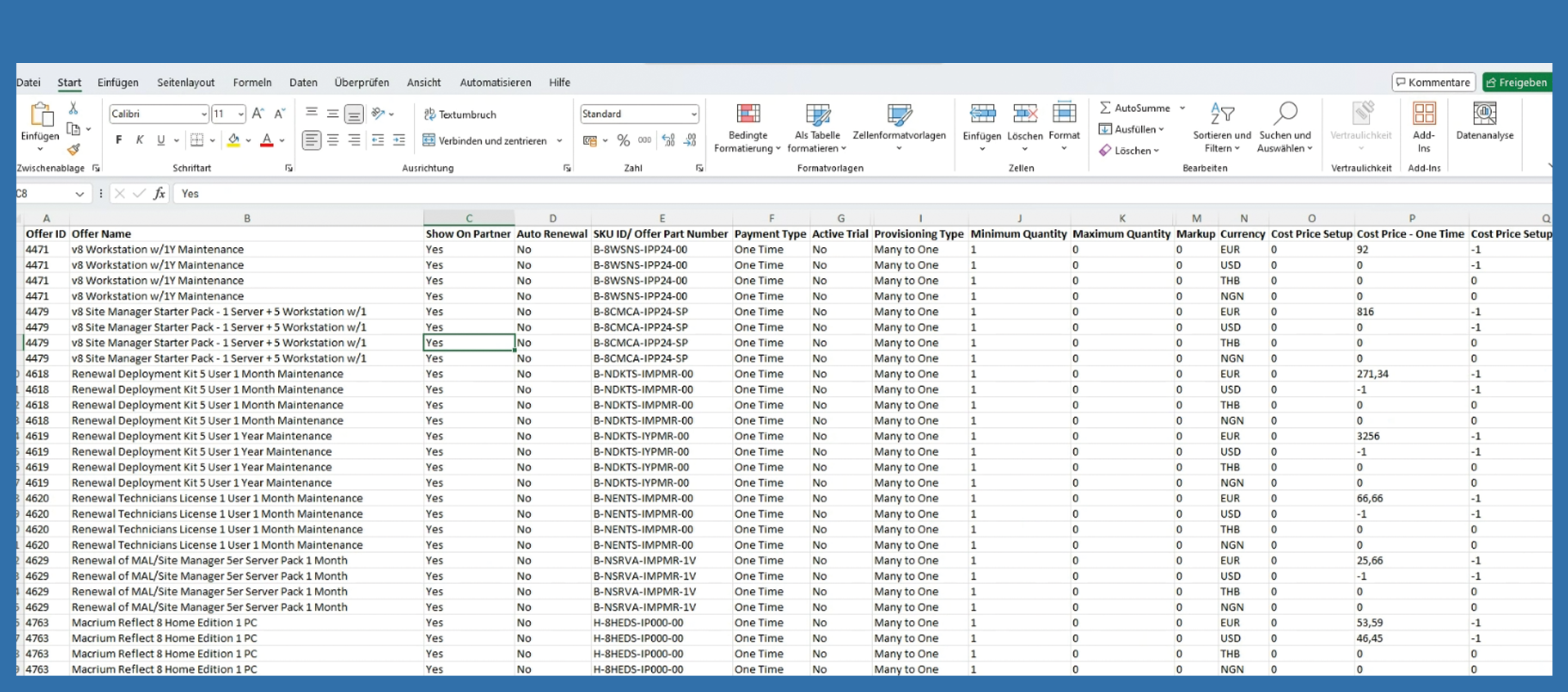
Perhaps it is easier for you to work with an excel table. Therefore, we will first show you how the export works.
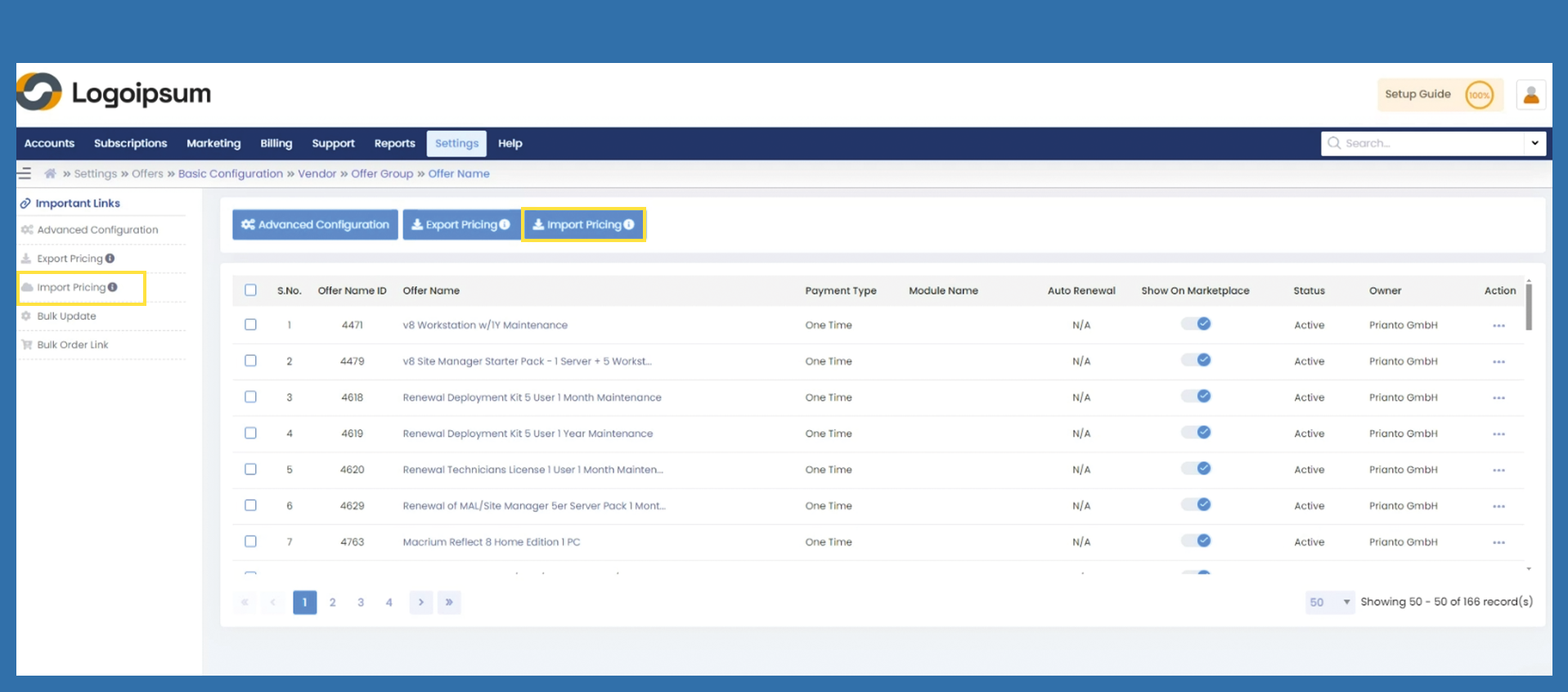
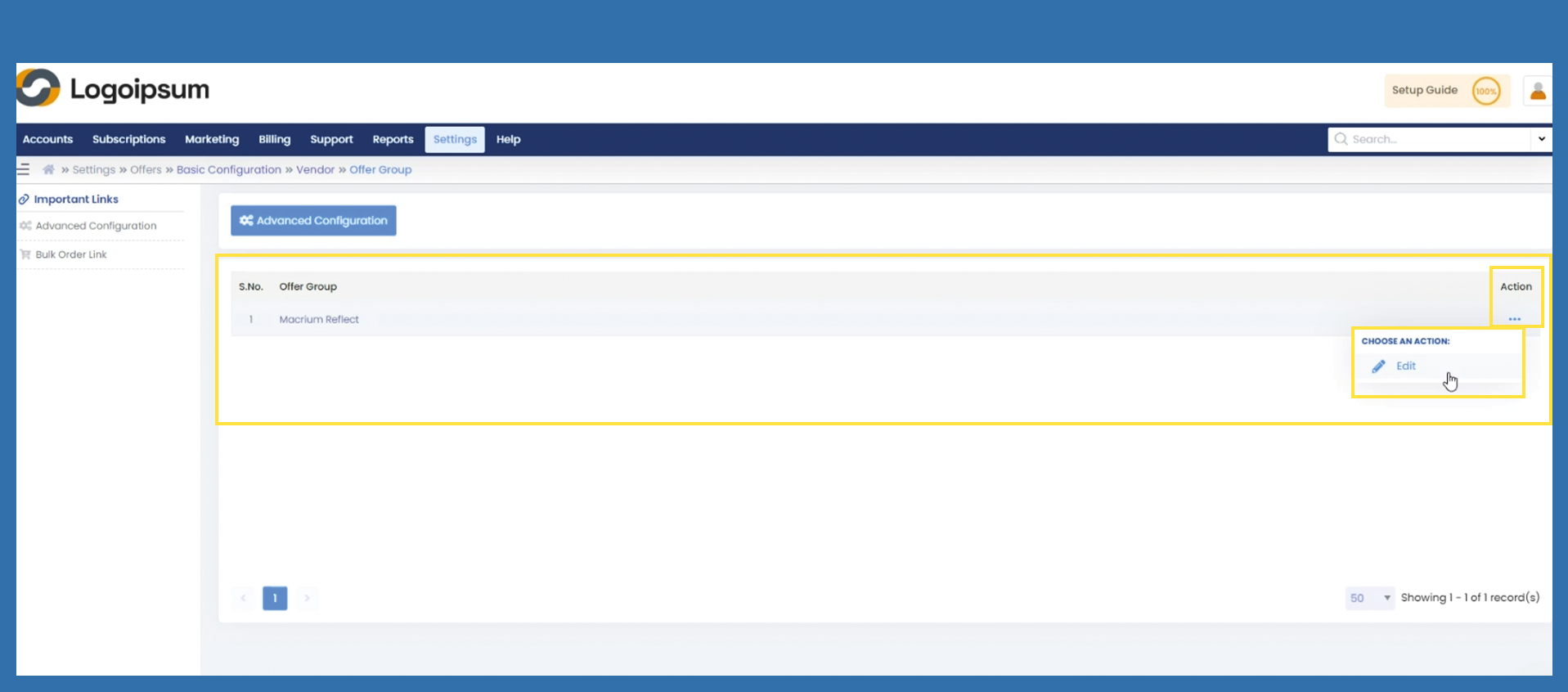
Your starting point is the page with the offer group. Click on the linked name under offer group.
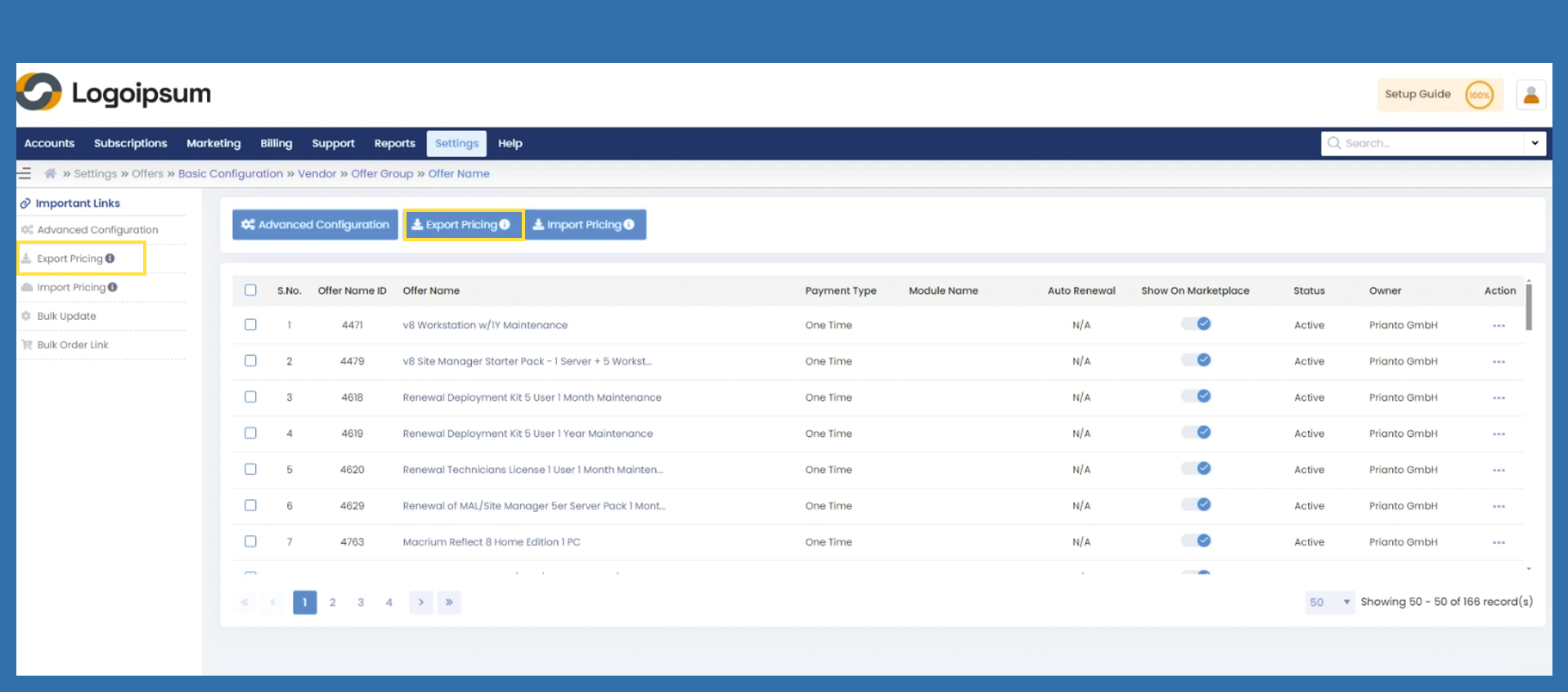
You can use the blue button or Export Pricing under Important Links.
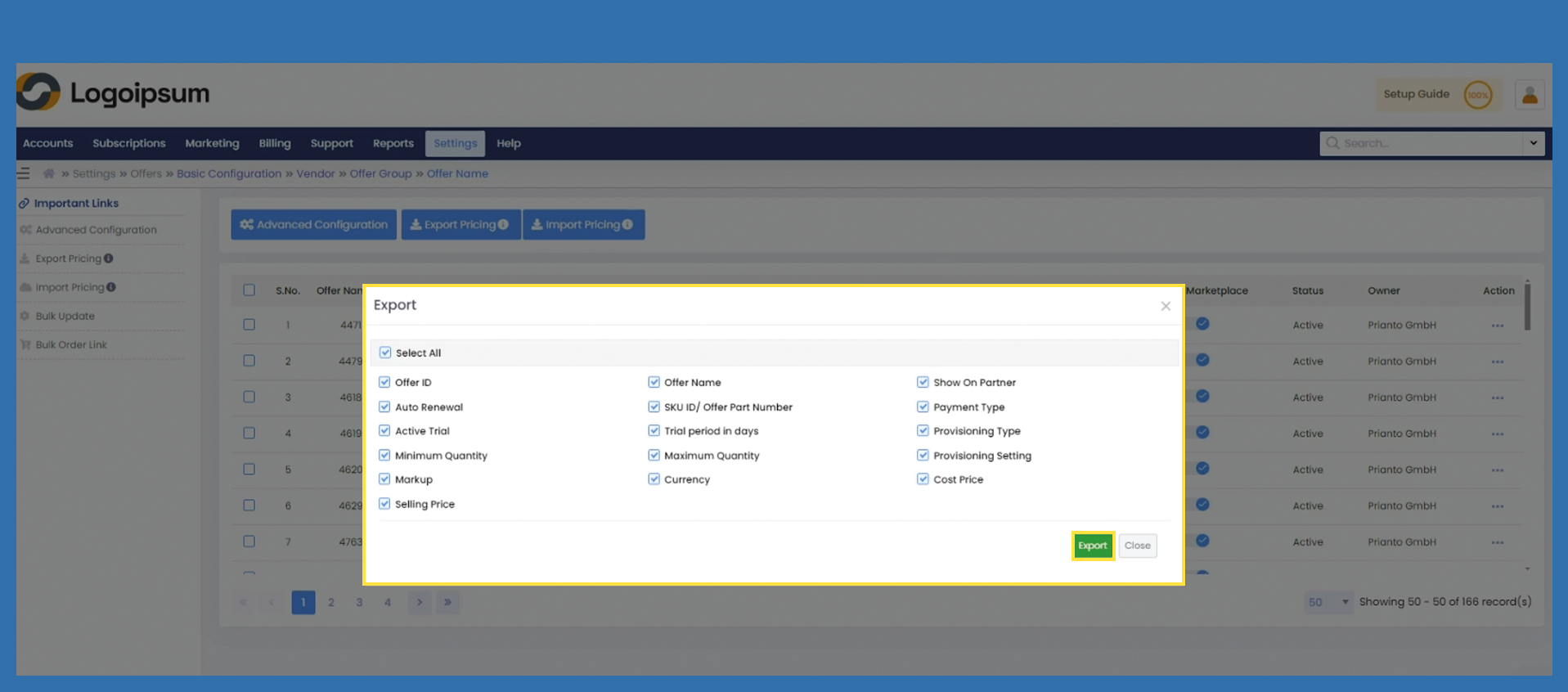
A screen with selection fields opens. You can now select which information you would like to have displayed, then click on Export.
If you would like to use the exported list to adjust and import your prices, we recommend that you export the entire data, as otherwise there may be problems when importing.
You will now find the list in your download folder.