Offers > Basic Configuration
Using the Getting Started Wizard, you have already selected which offer group you would like to sell. Prianto`s admin has confirmed the corresponding categories and groups for you. Only these will be displayed here. Your purchase price has already been entered by Prianto`s Admin Panel.
You can now set your selling prices for the end customer from here.
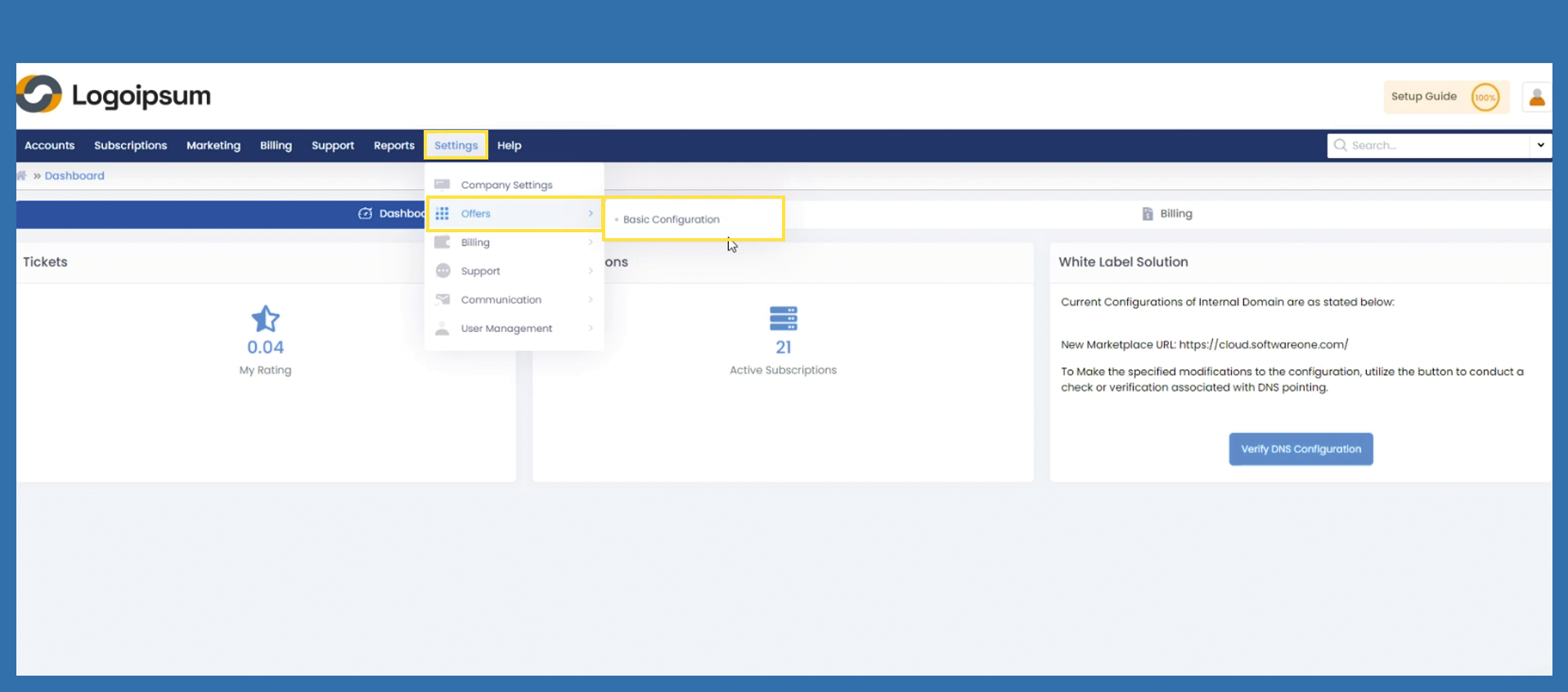
To save the settings, use the following path:
Settings > Offers > Basic Configuration
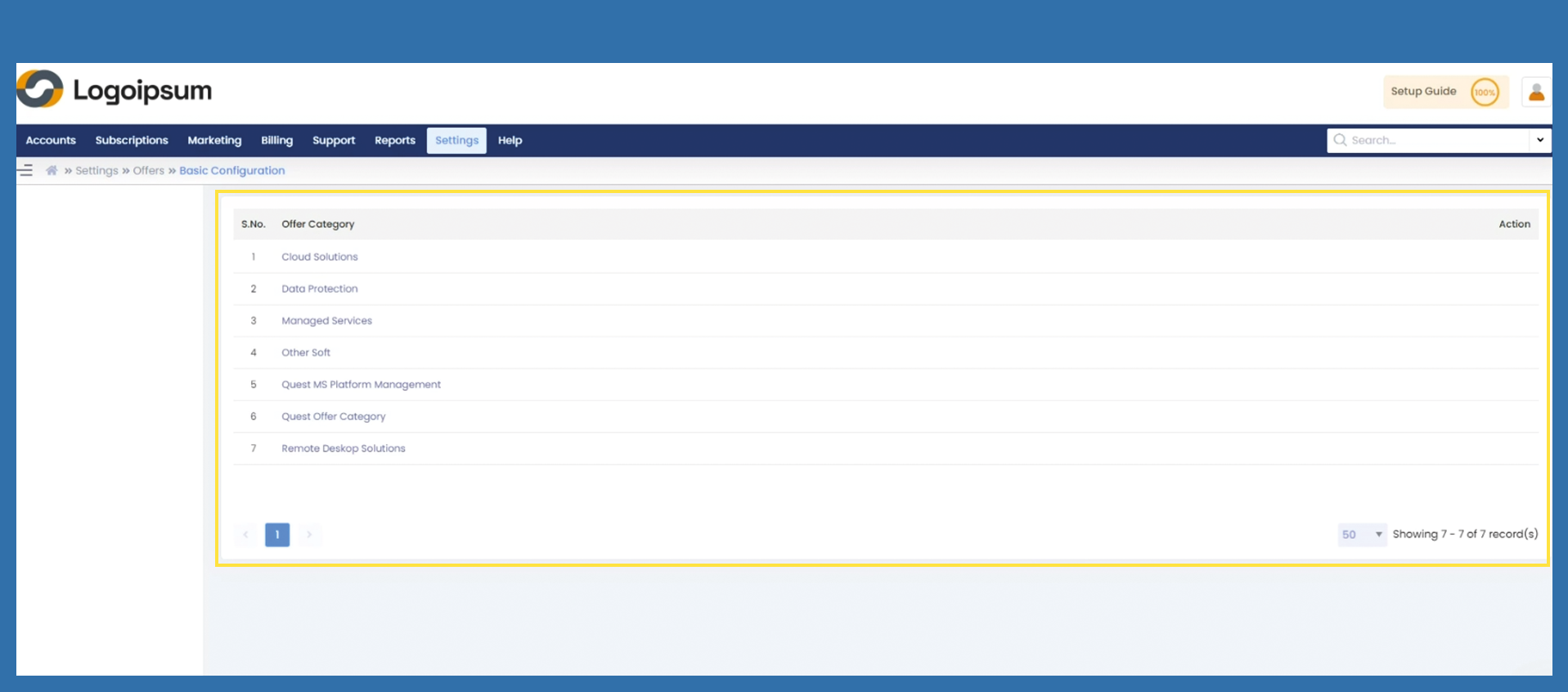
Now click on the category released for you under the corresponding Offer Category.Category.
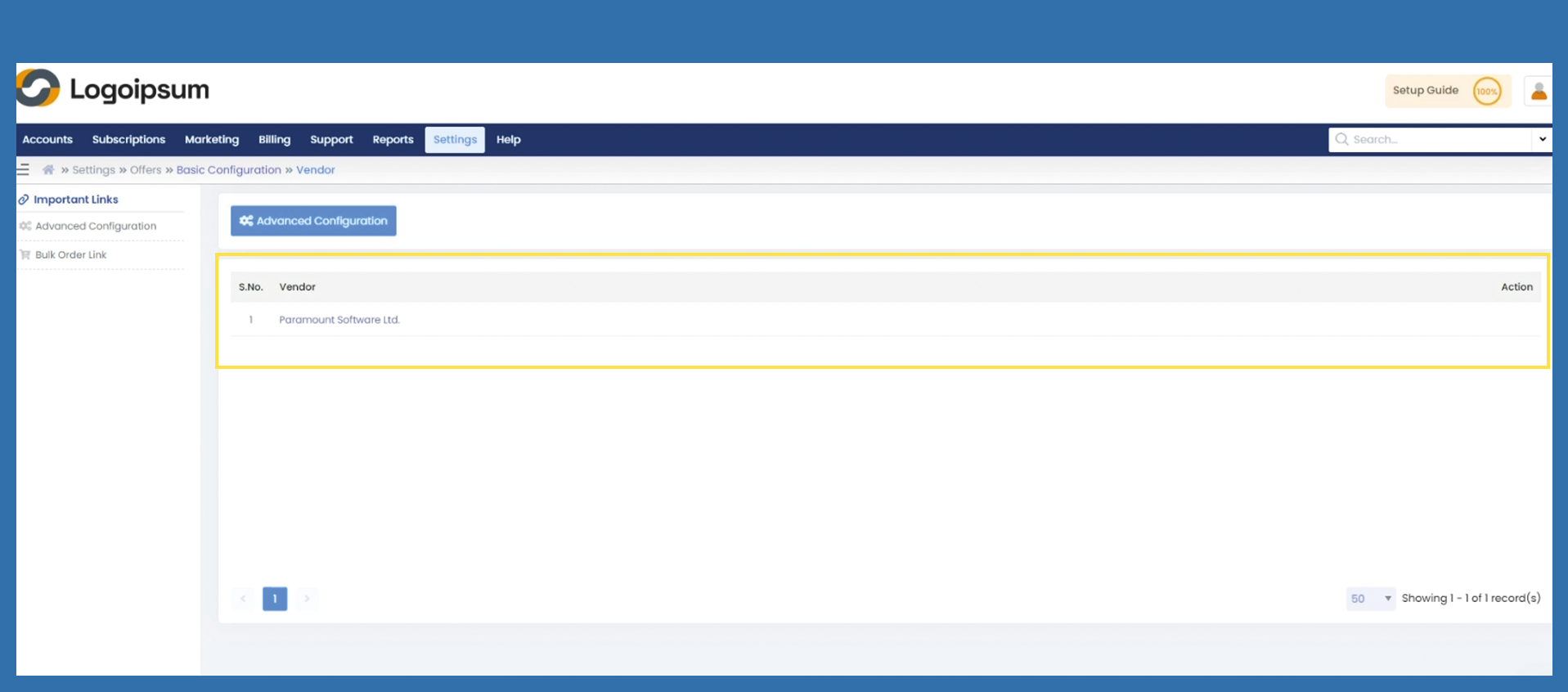
Now clickClick on the linked vendor already stored.
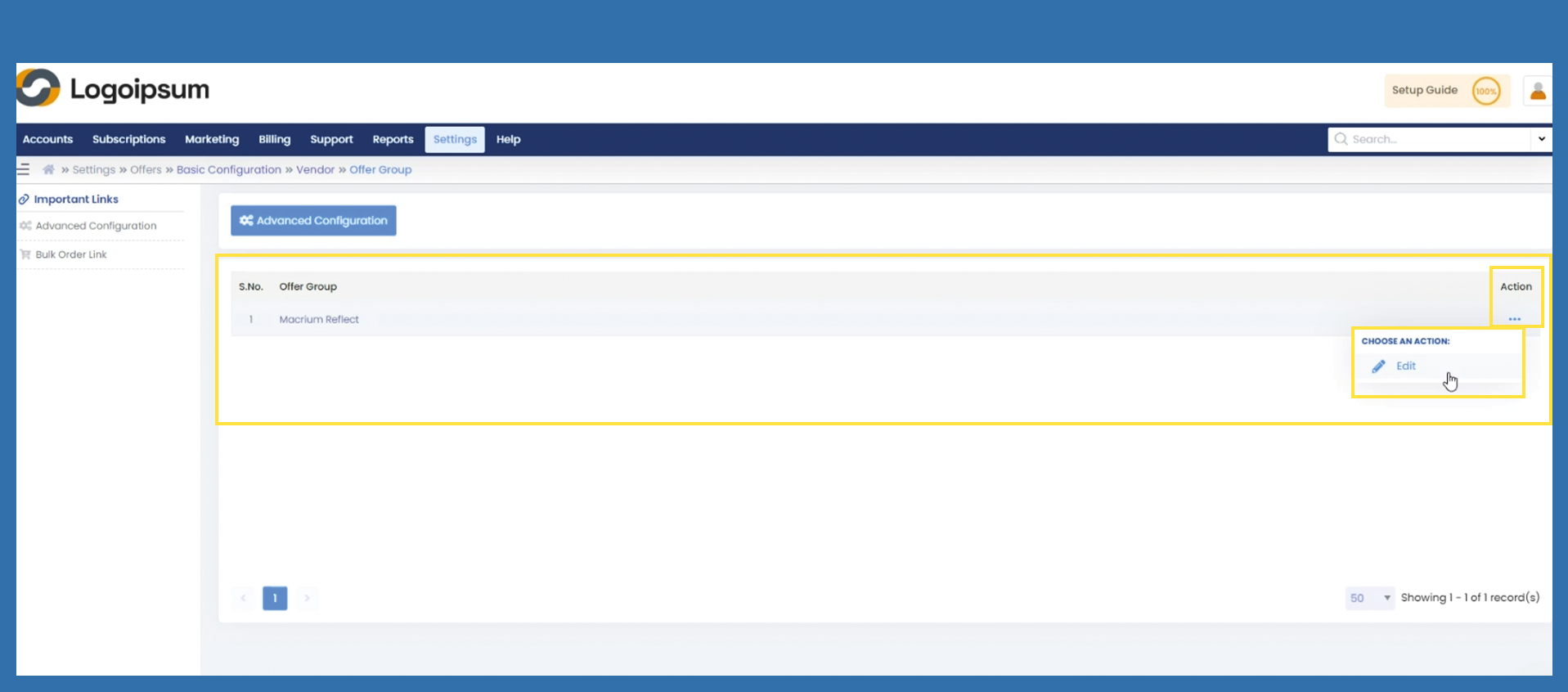
You will come to the offer group section now. There are various options from here:here. For the various options, click on the respective link to make further settings.
Option 1) Set a markup on the entire offer group.
2)