Settings > Offers > Basic Configuration > Offer Group > Set a markup on the entire offer group
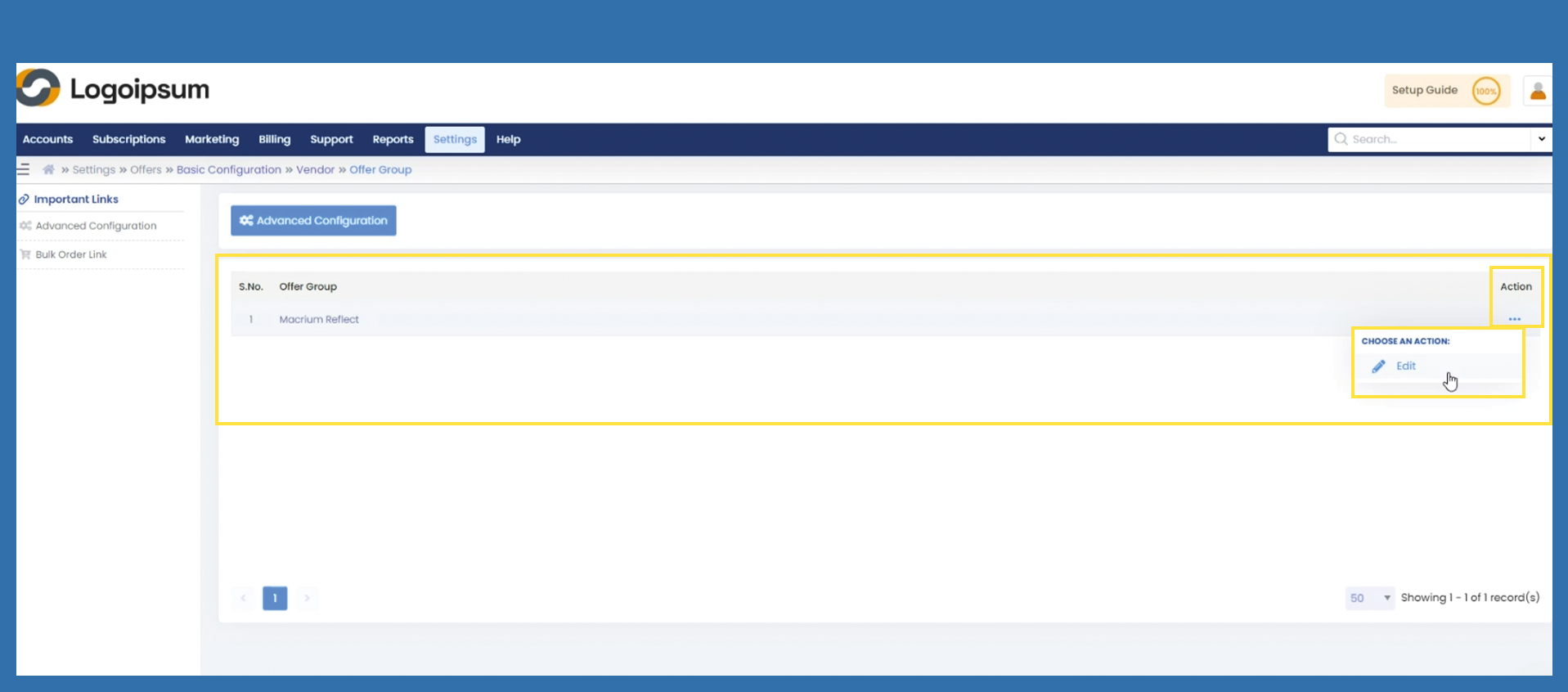
Click on the three dots under Action and then select Edit.
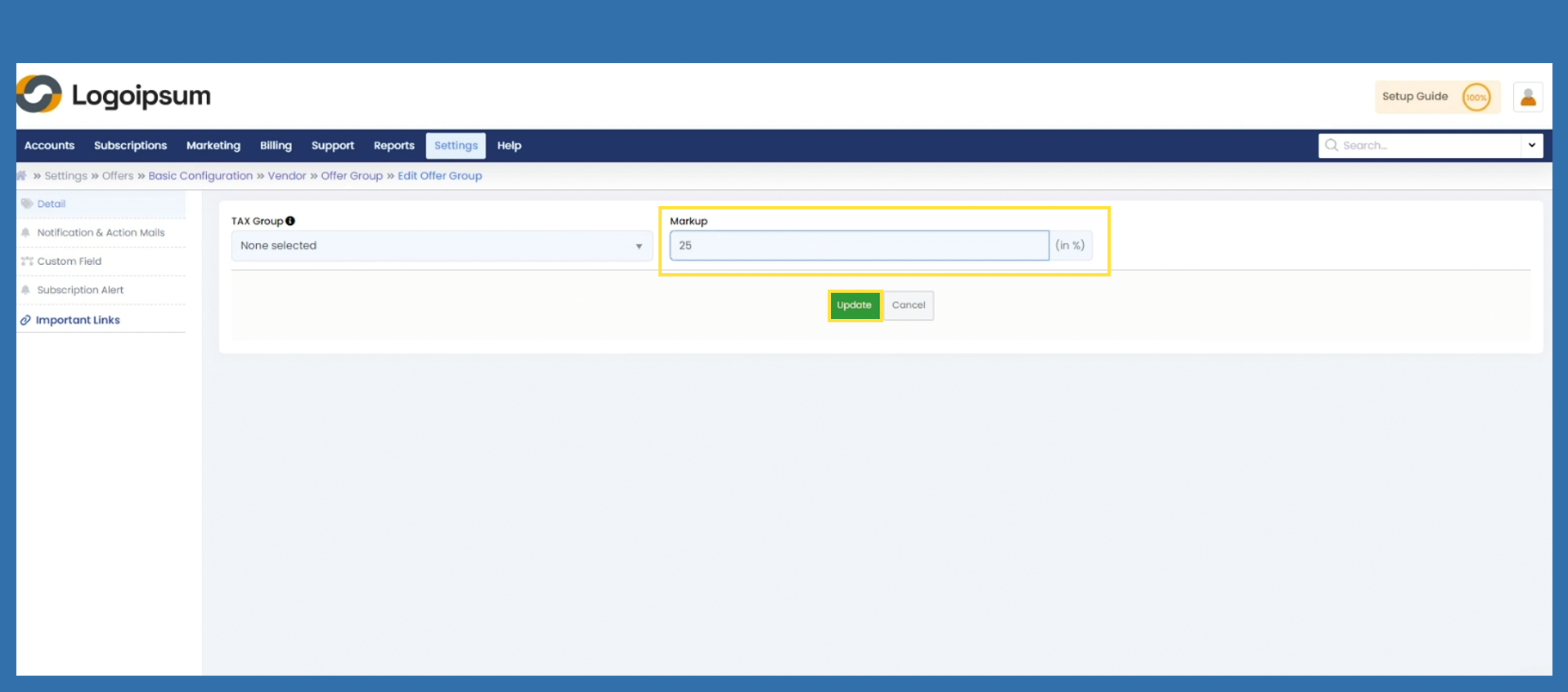
Under Markup, enter the corresponding percentage that applies to your purchase price and click on Update to save data.
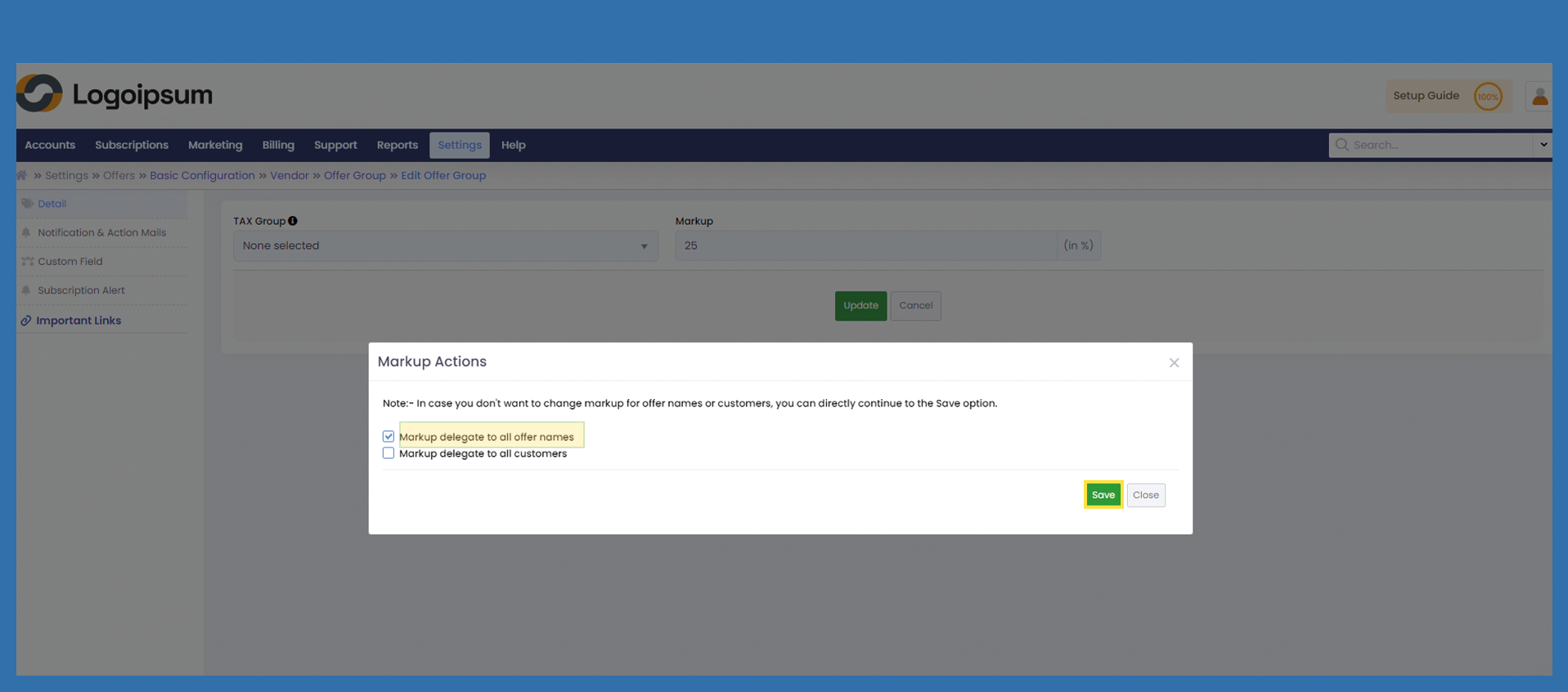
A pop-up opens, in which you must specify how the markup is to be distributed.
Select here for the time being: Markup delegate to all offer names and click on Save.