User Management > Roles
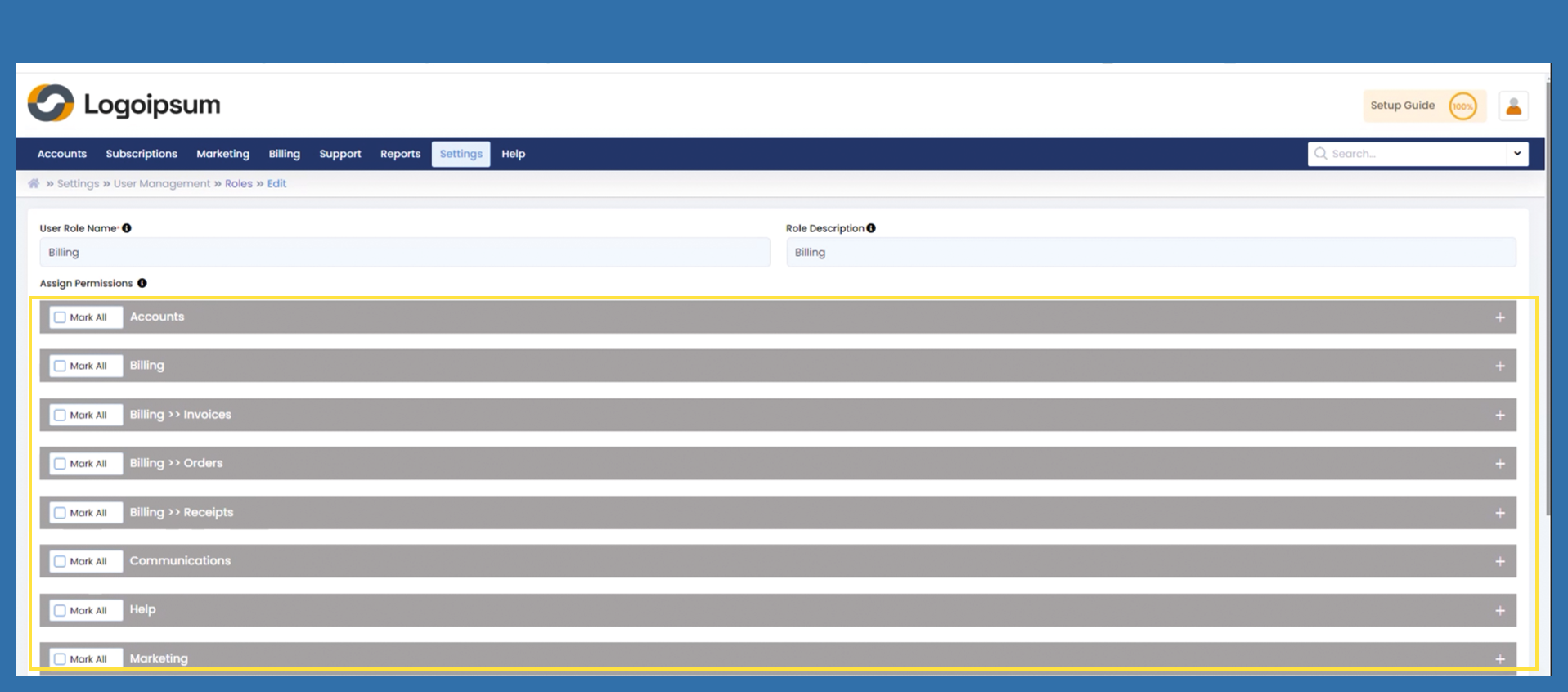
If you can already view predefined user roles, then these have already been preset by the Prianto Admin.
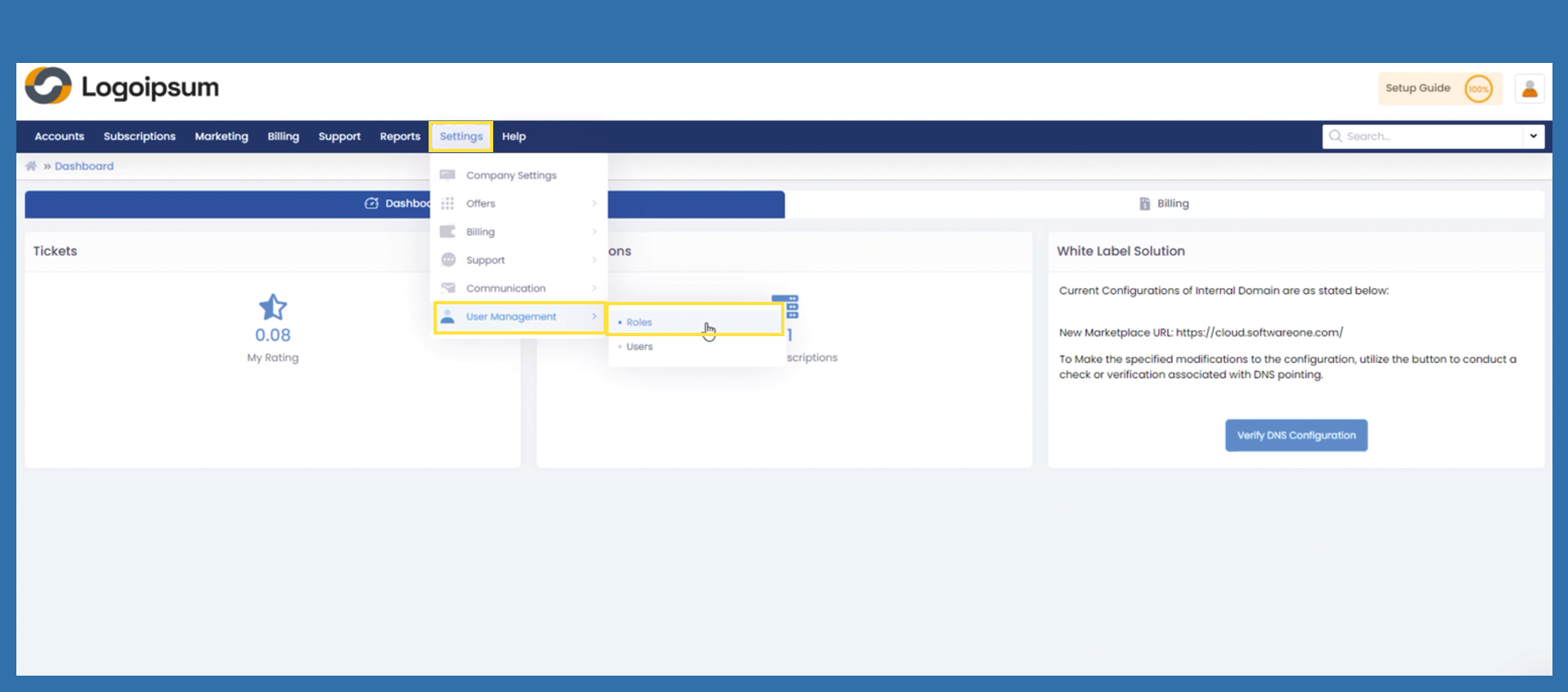
To create new user roles or edit existing roles, please use the following path:
Settings > User Management > Roles
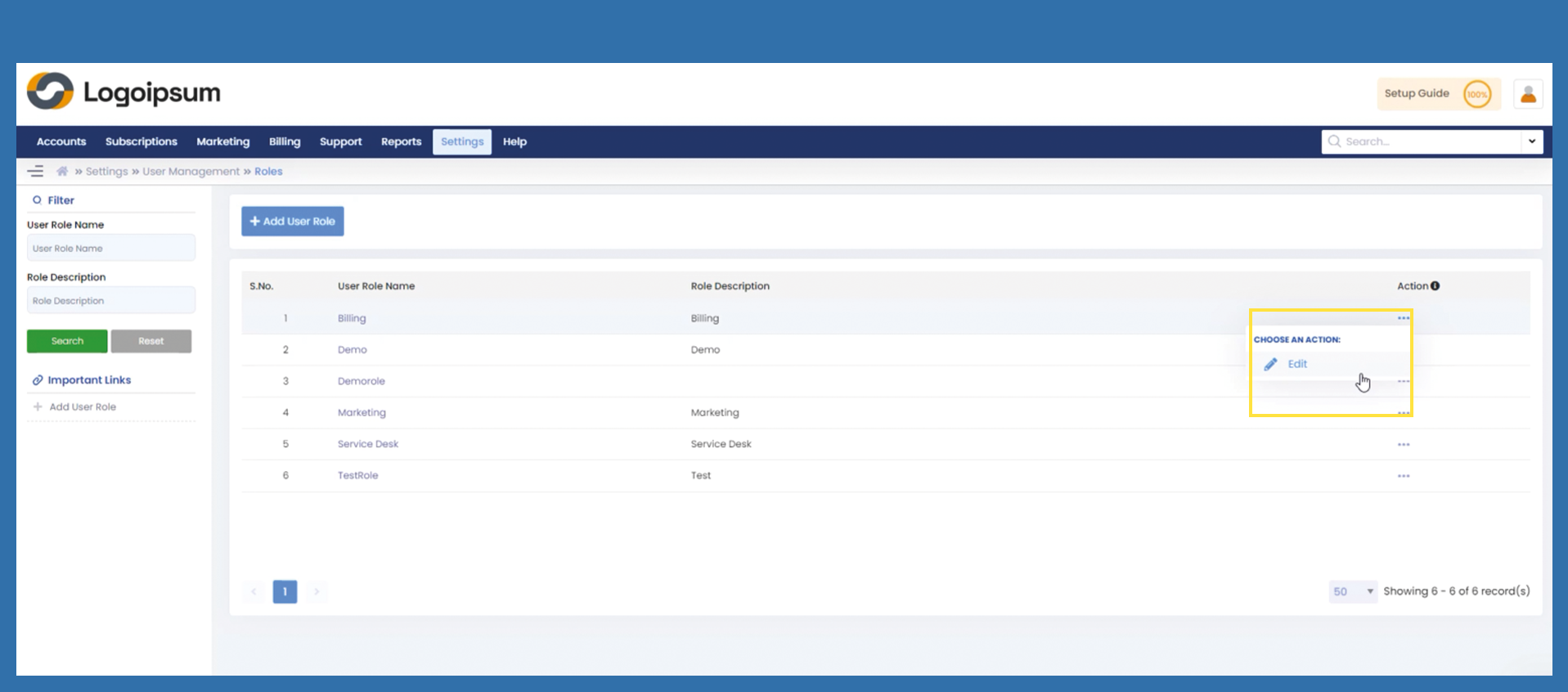
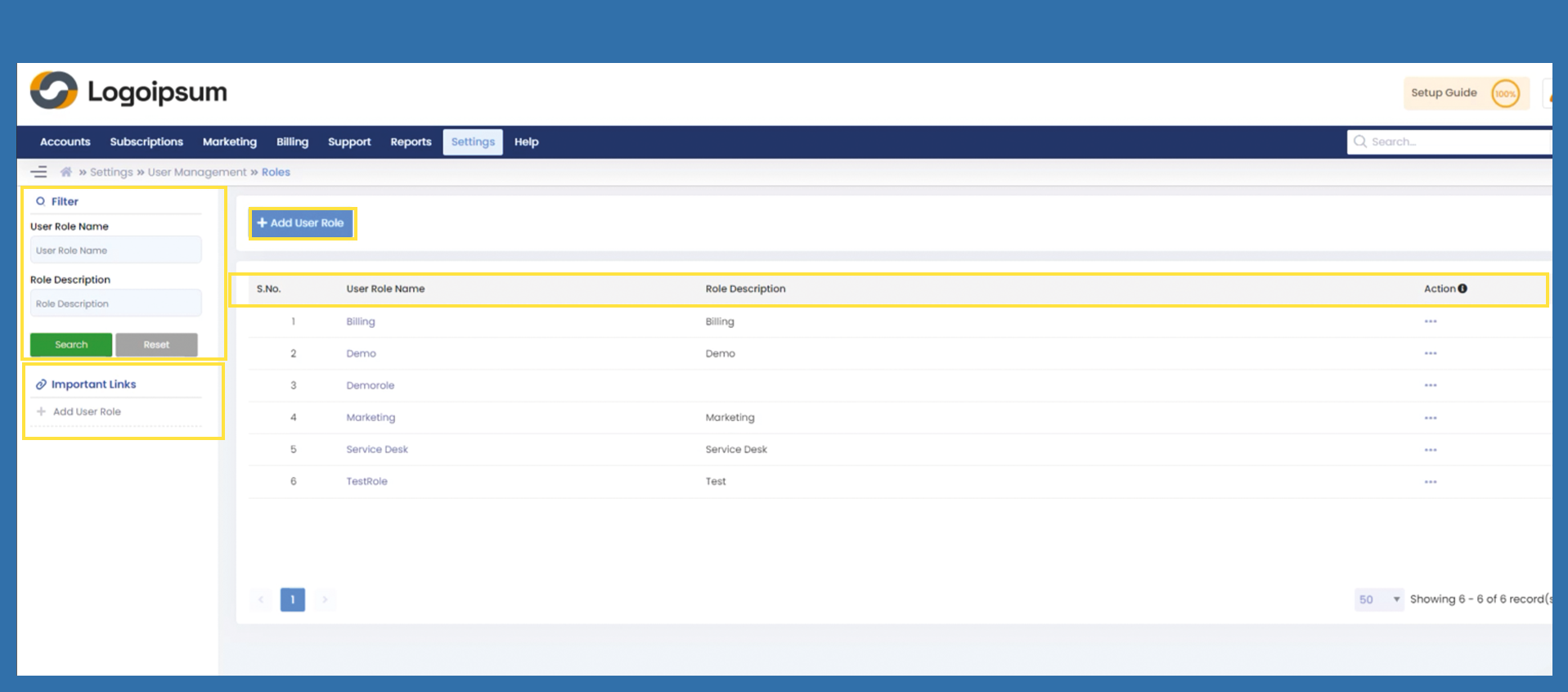
User Role Name is the name for the corresponding role, the associated Role Description field can show a description of the role mentioned above. The status of the respective role can be edited in the Action field.
To find a reel you can use the filter section on the left. To add a new role, click under Imports links or on the blue +Add User Role button.
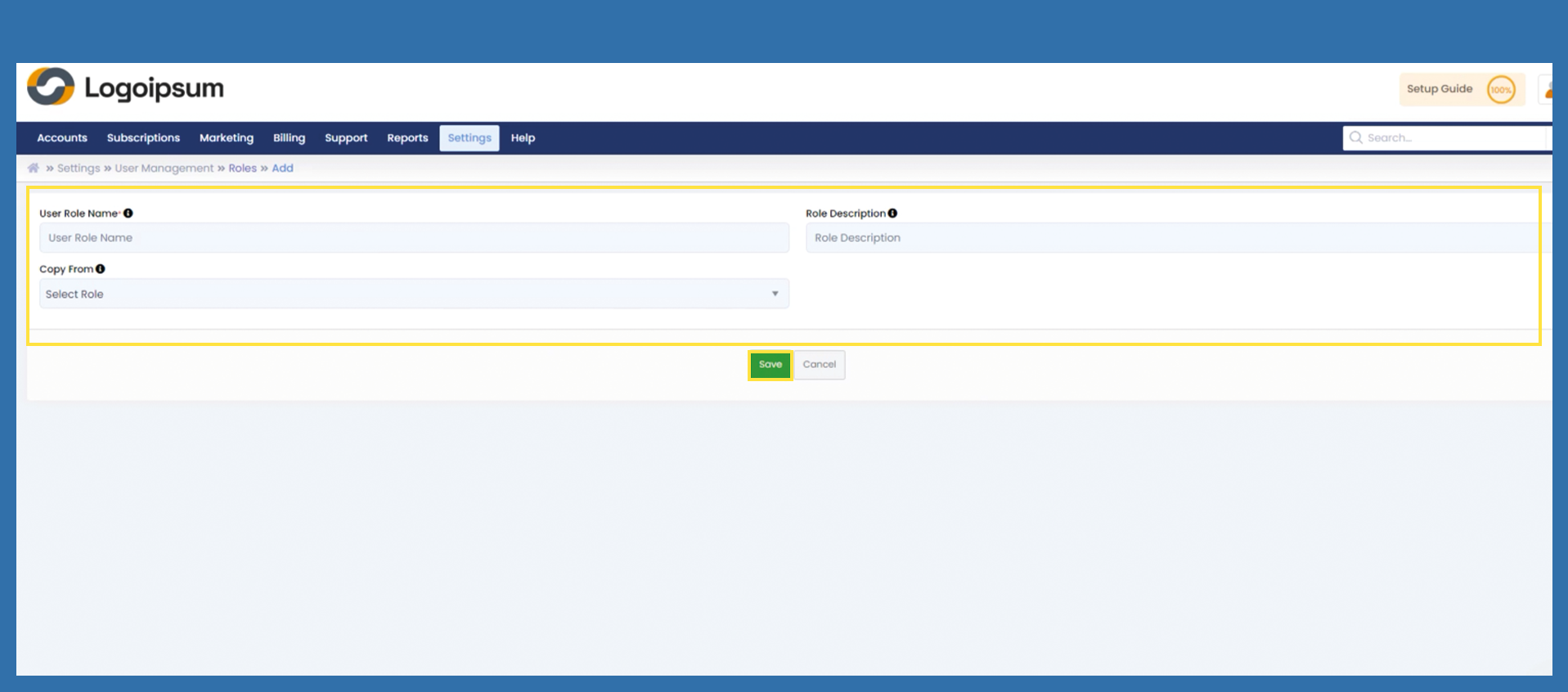
If you have already clicked on the +Add User Role button, the following screen will appear. Fill in the data using the explanation given above. If you would like to copy a role, use the Copy Form field to do this and select via dropdown which role you would like to copy from and then click on Save.