Procedure
Please go to the Login Page and sign in with your Username and Password. Then click Sign In.
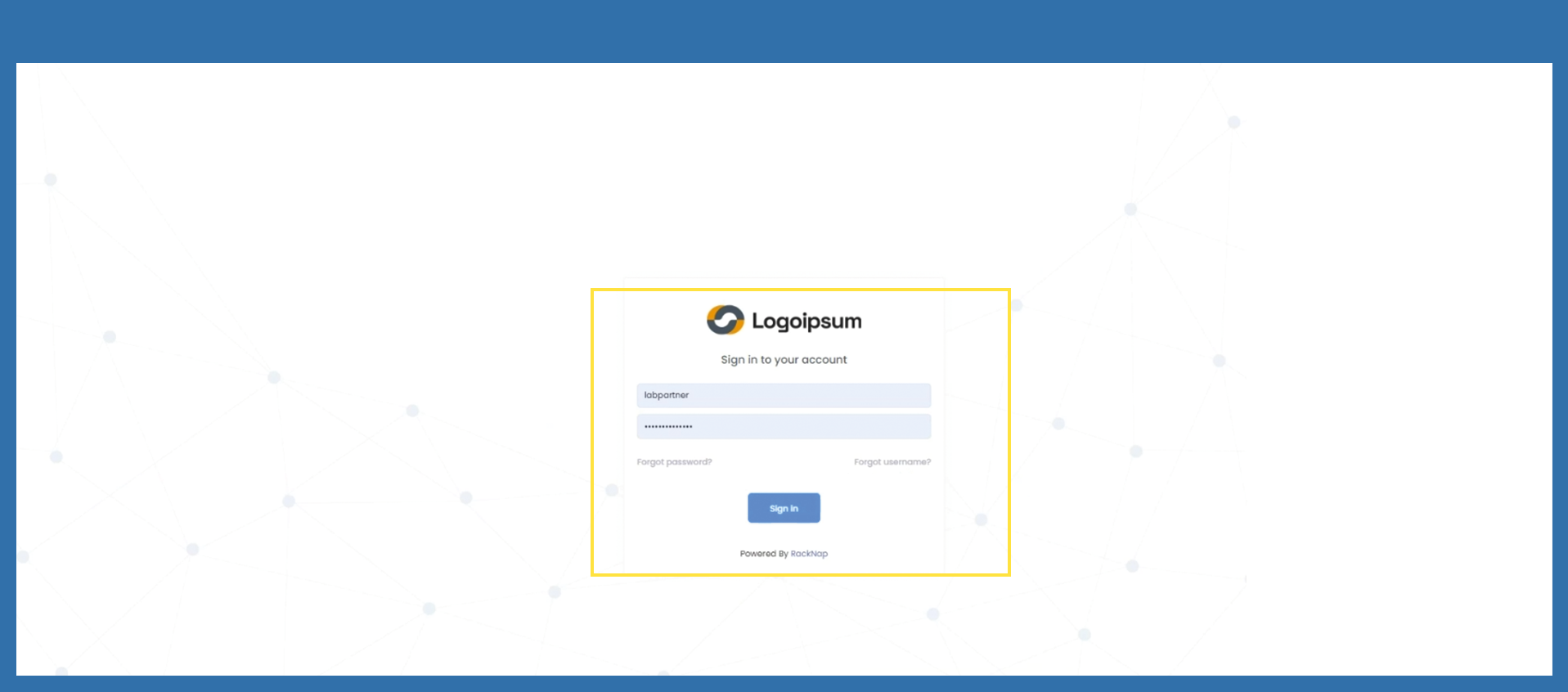
With click on the Sign In Button, you will receive a generated Email with an One Time Password (For future reverence, One Time Password will be shortened to OTP.)
Please check for the generated OTP your Emails, copy the password and enter it in the corresponding field. Then click on Verify.
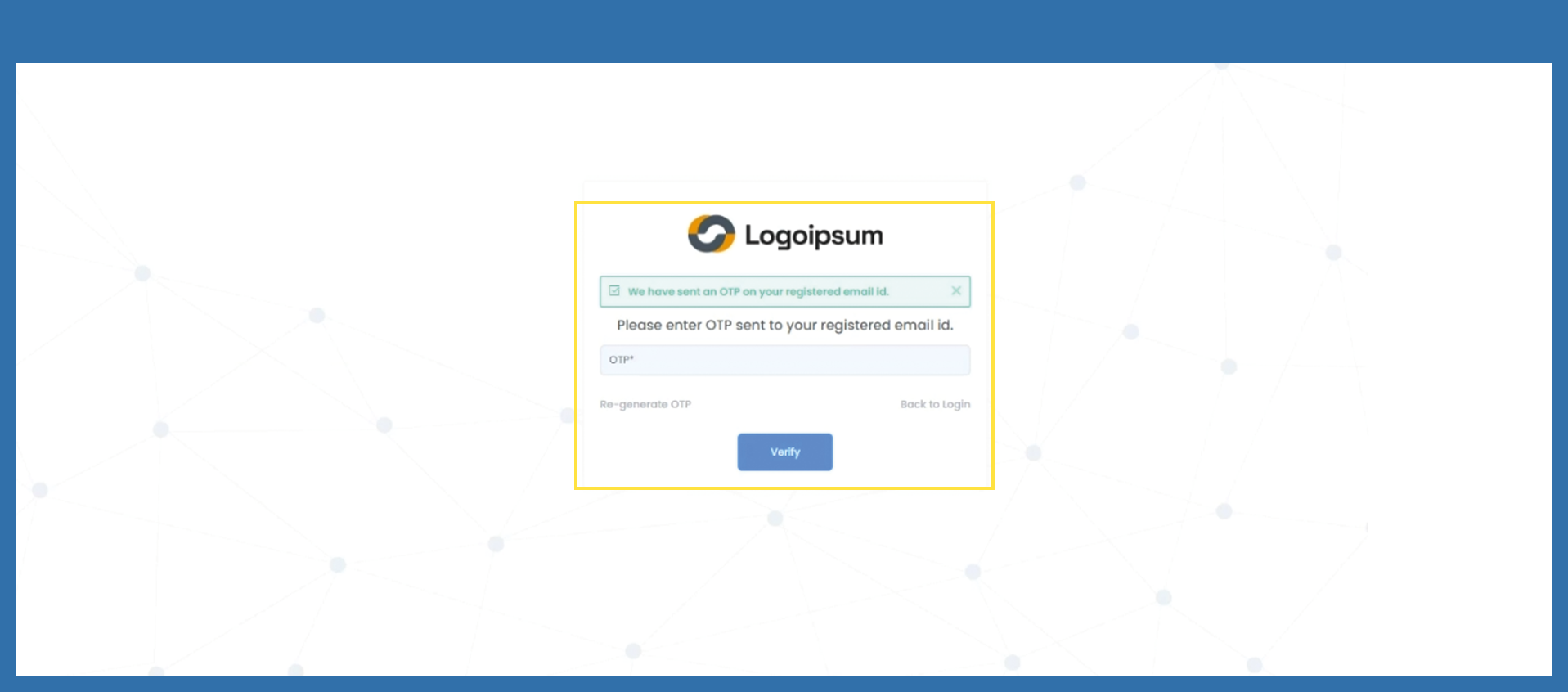
You have not received the code by e-mail? Please check your SPAM e-mails. If there is no code either, please click on Re-generate OTP and you will receive a new code.
If you have entered the code incorrectly several times, you will receive an error message. Please try it again later.
You waited to long, to enter you Code? Your code has now expired. Click on Re-generate OTP and you will receive a new code.
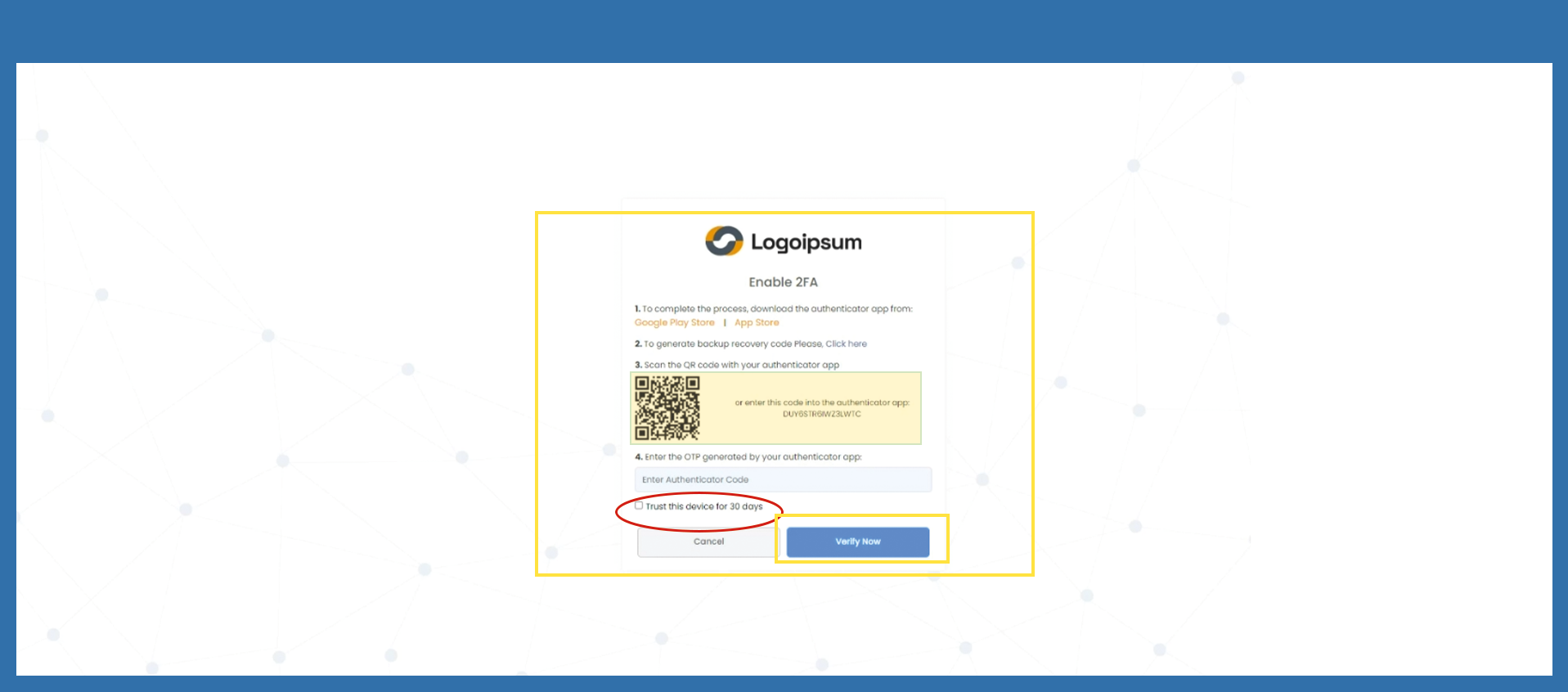
You have now reached the multi factor authentication process.
For step 1: You first need to download the multi factor authenticator app, if you don't already posses it. Therefore, please click on the links leading to Appstores, where the App is accessible for free.
For step 2: After download the App, you have to download or copy recovery codes. Therefore click on Click Here.
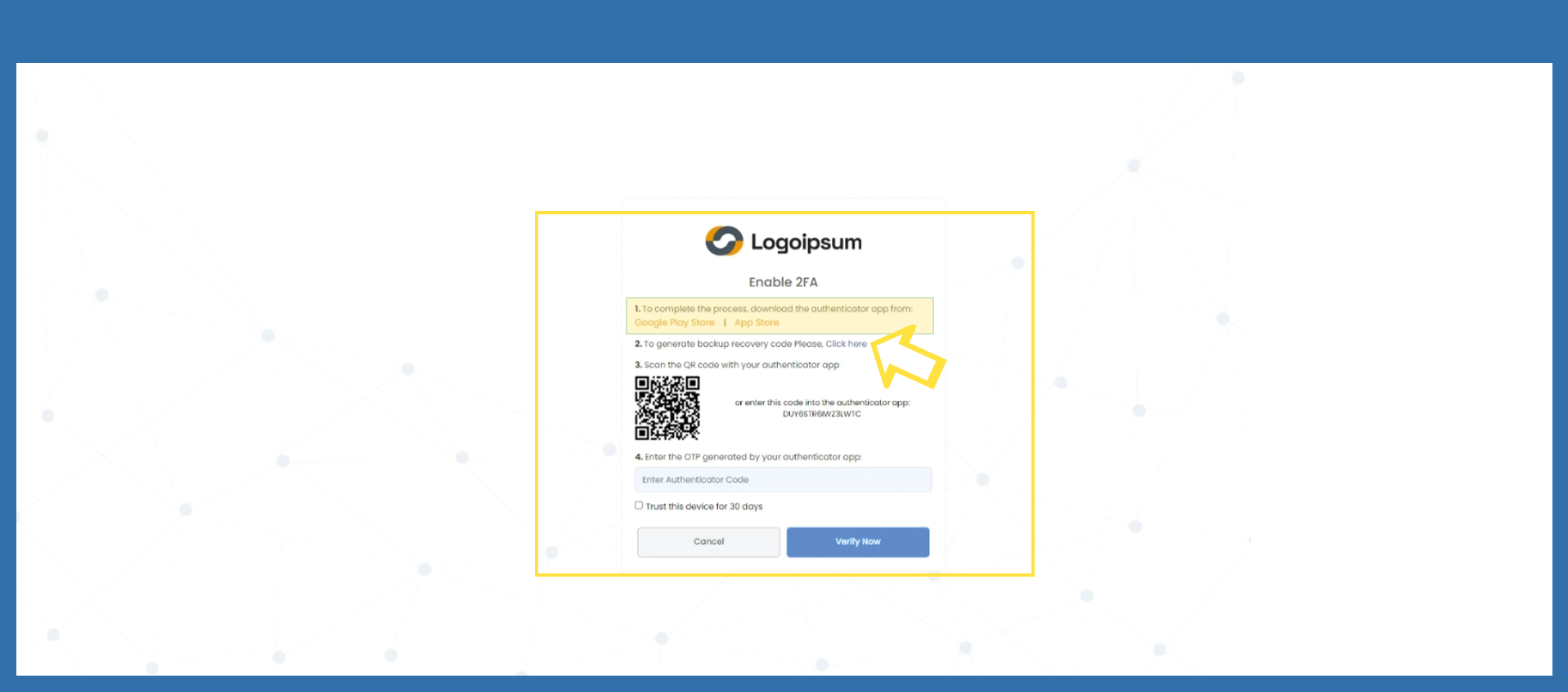
Here, you will receive instructions about what to do. Please download or copy the shown codes, by clicking on the corresponding symbols below the codes. Additionally, you will also receive an email with the codes. Then, you can close the pop up.
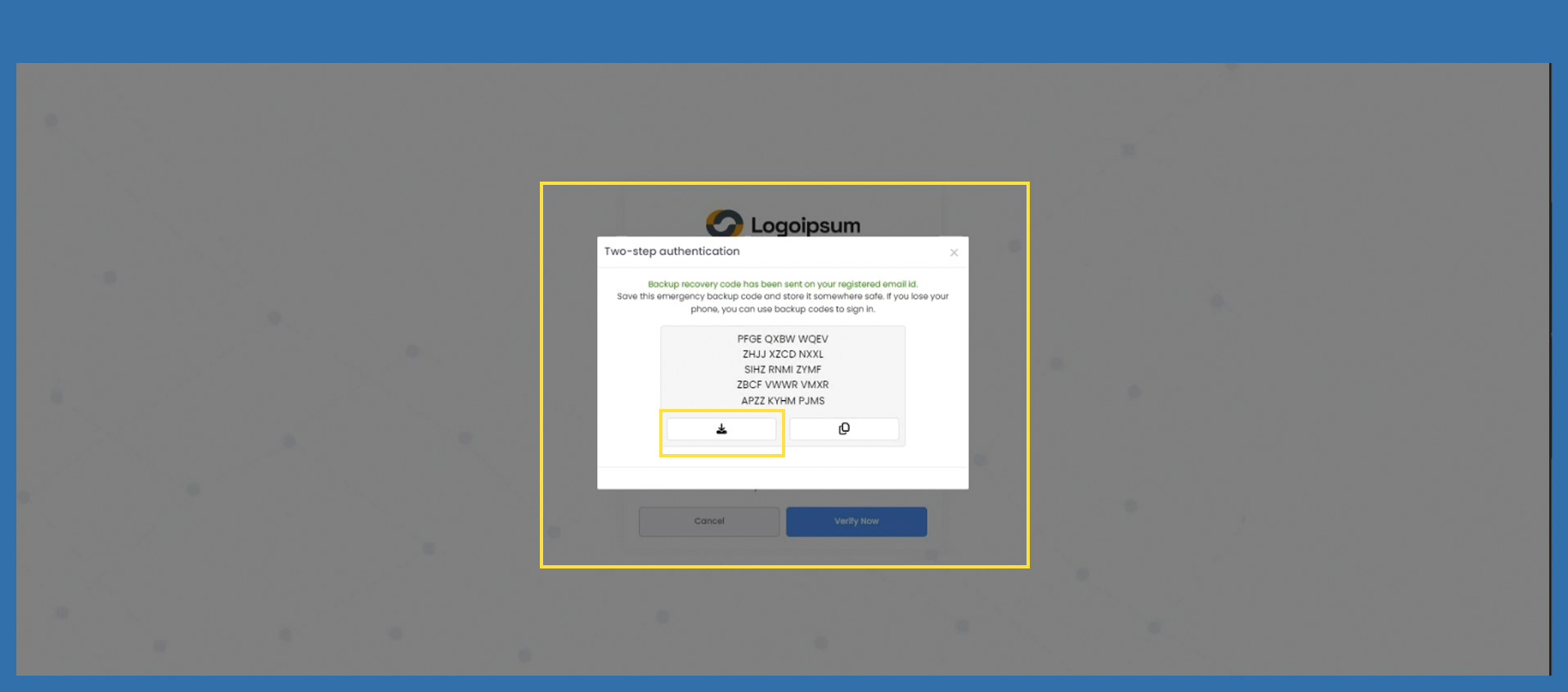
For Step 3: Now, go into your authenticator app and search for the function to add new authentication processes. This may work via QR-Code or by entering the code manually.
For Step 4: The App will then generate a numeric code, which you have to enter at the corresponding field.
If you want to skip the authentication process for the next 30 days, please mark the checkbox for Trust this device for 30 days. Then, click on Verify Now.
If you have any questions, you can contact us at any time, just send us an email to: marketplace-support@prianto.com
For the next step, please click on the linked picture below: