Provide Marketplace Link To End Customer
How can I provide my end customer with the link to my Marketplace?
Option 1)
You will receive the link to your Marketplace with the welcome email after completing the getting started wizard. In this email you will receive the link to your Marketplace, which you can make available to your end customer.
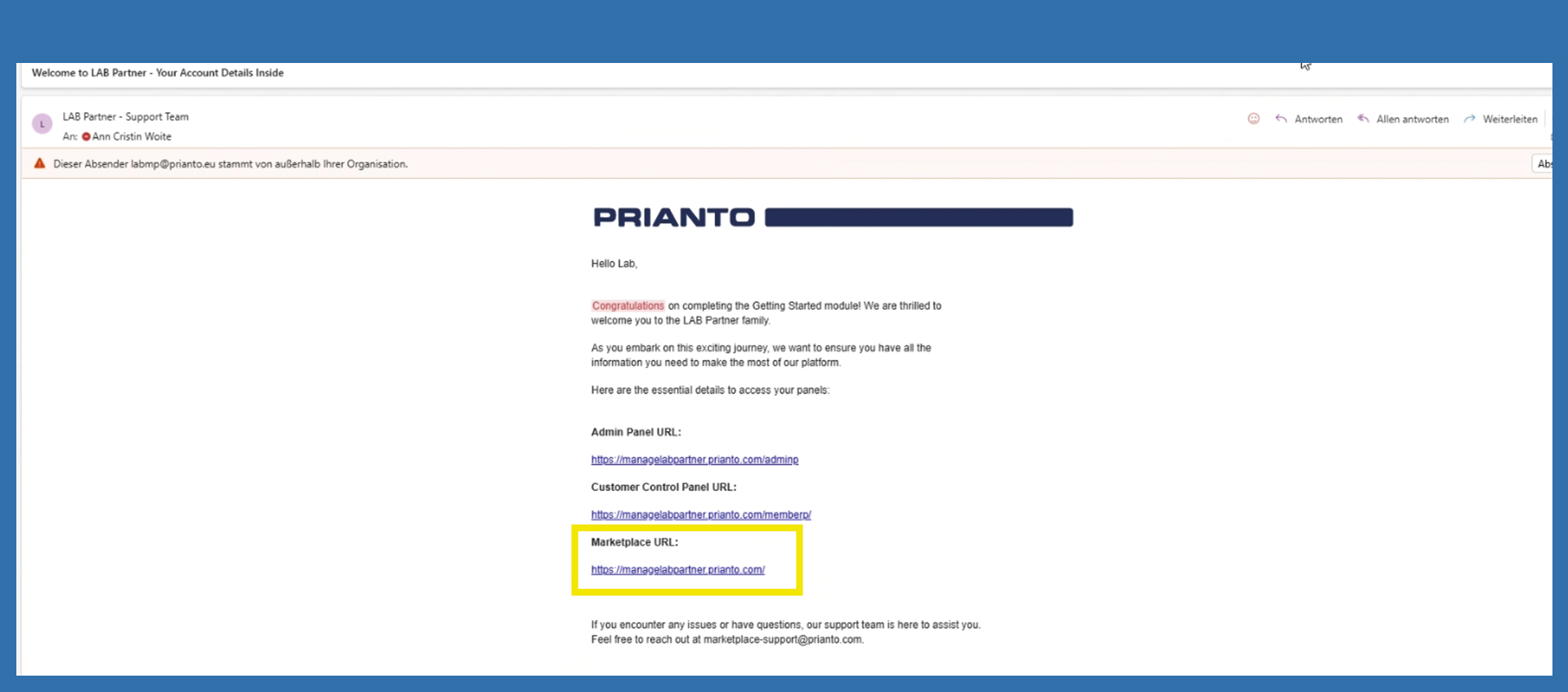
Option 2)
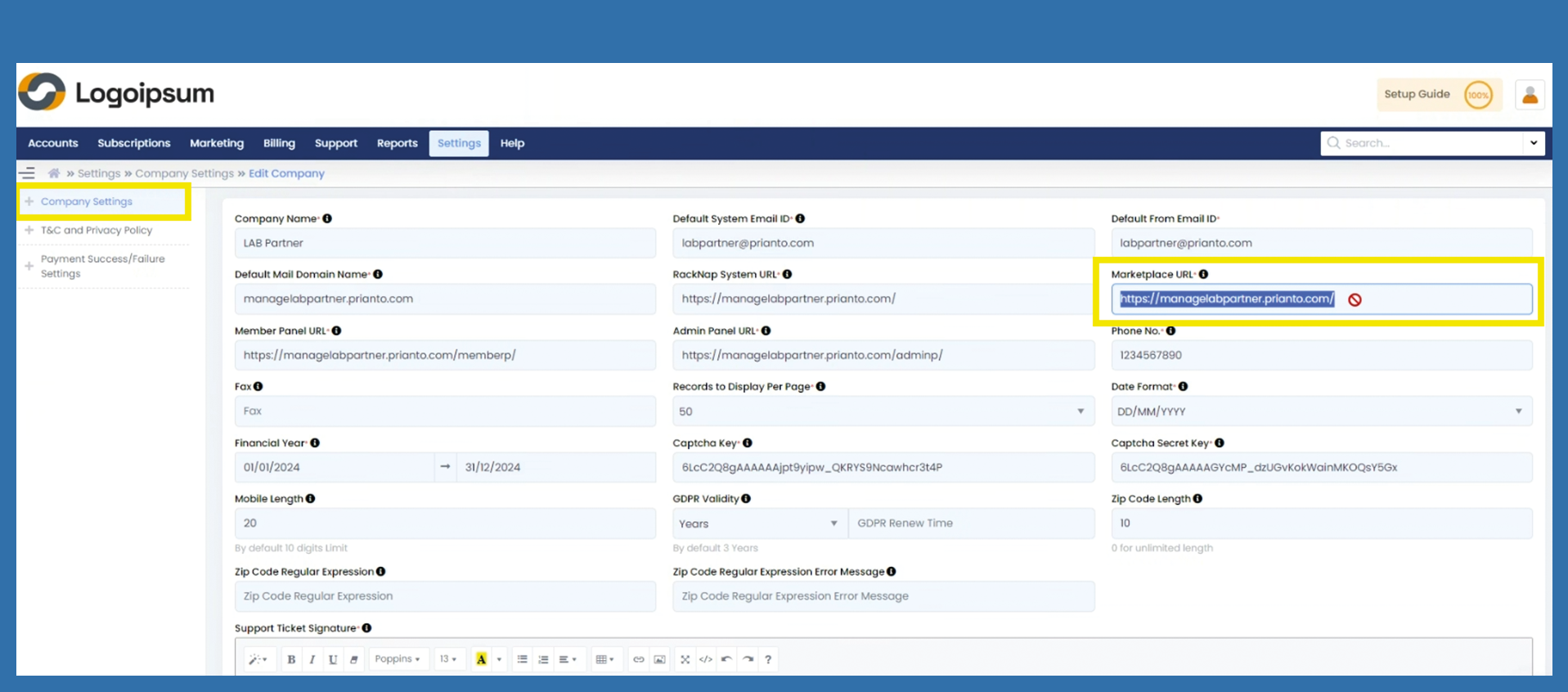
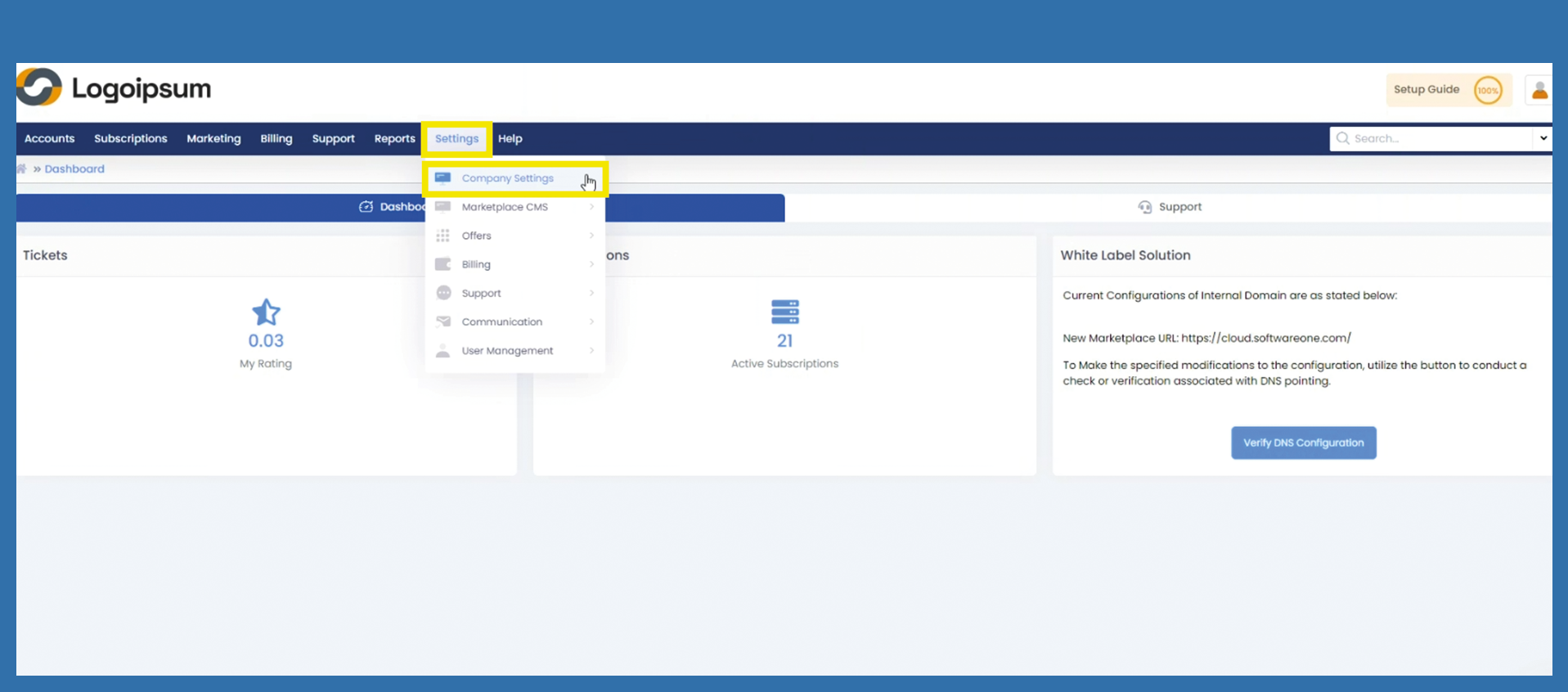
If you can no longer find the email in question, you can log in to your portal. Go to the following path to get to your URL:
Settings > Company Settings
Don't be confused by the fact that a lock symbol is displayed. Copy the URL from the Marketplace URL* field and make it available to your end customer.