You are a new partner?
Please go to the following URL: https://cloud.priantocloud.com/ and click on Login.
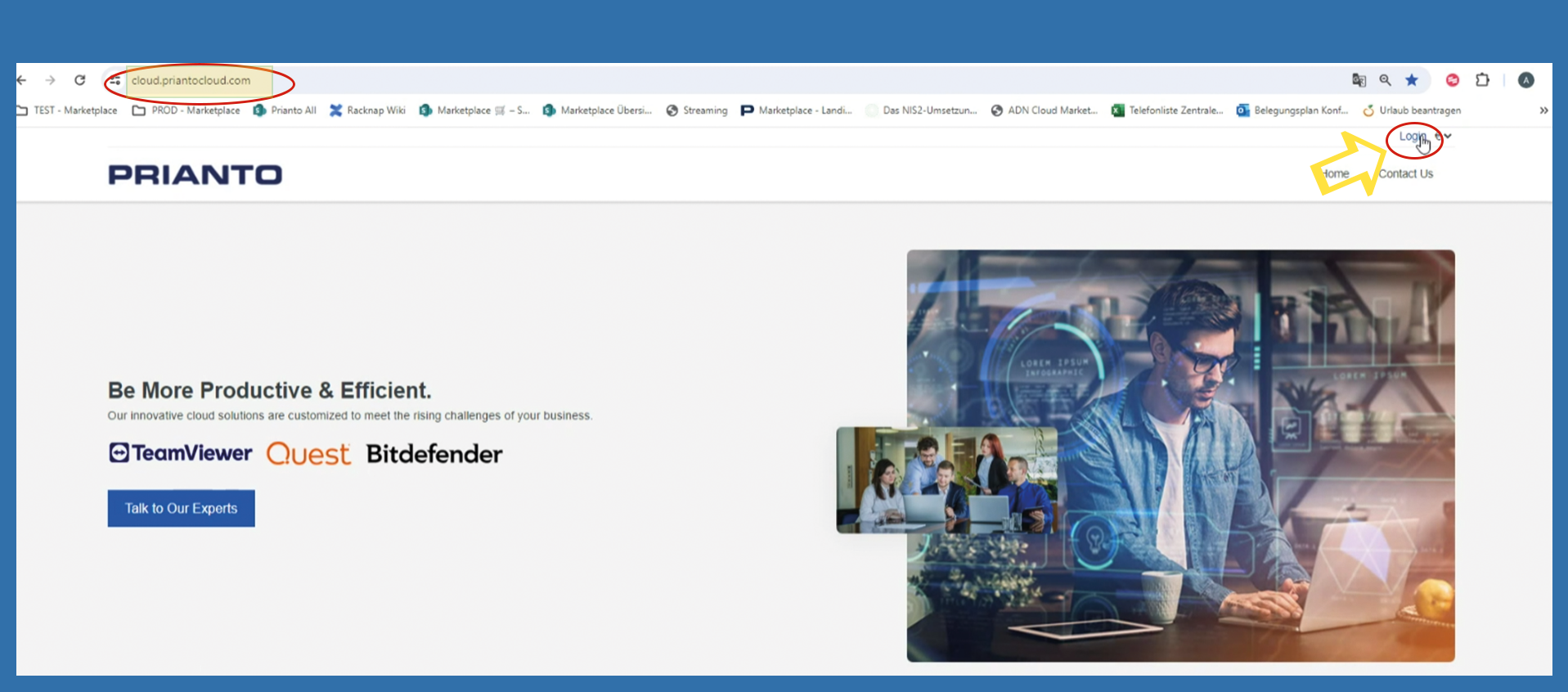
Please note that the first person to register is the admin.
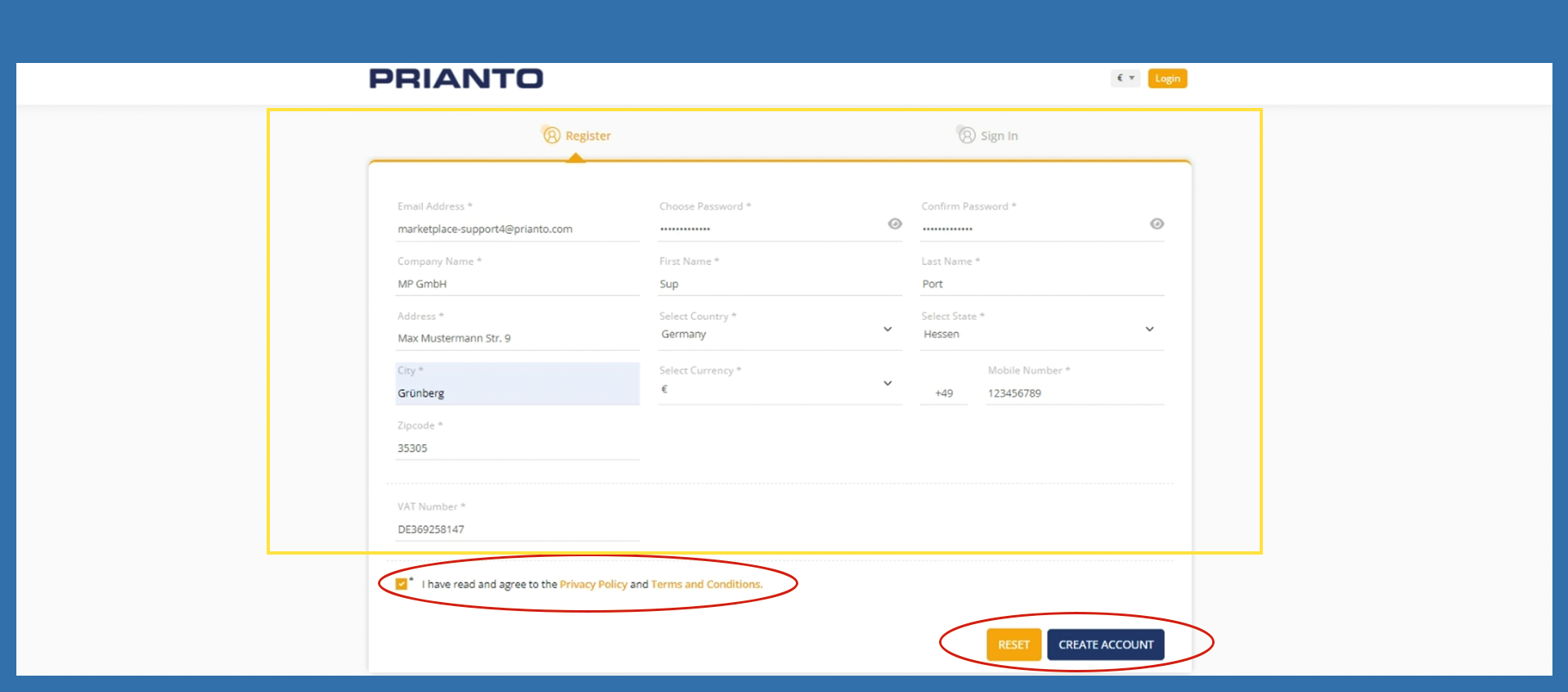
Please enter your data in the mandatory fields, which are marked with an star (*).
Finally mark the checkbox regarding the Privacy Policy and the Terms and Conditions. Then click on Create Account.
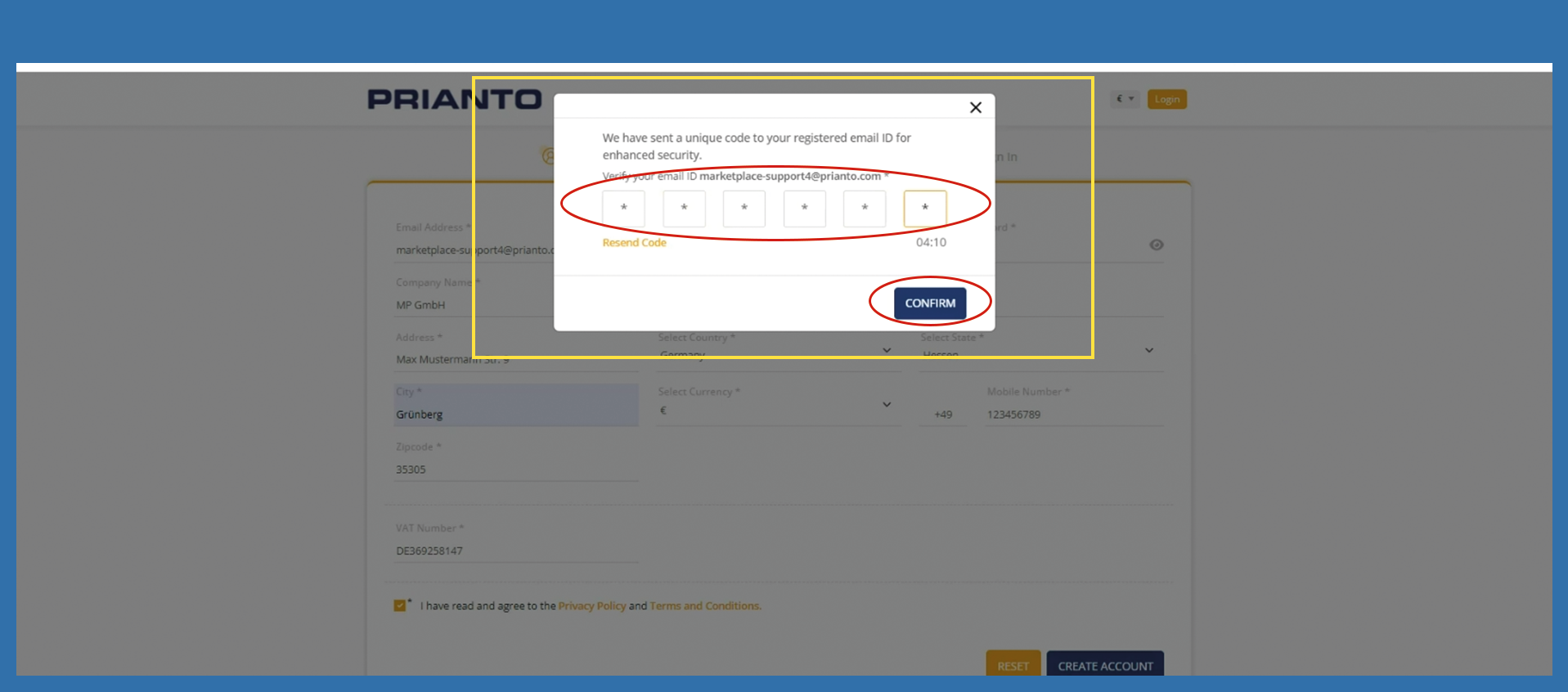
You will receive an email with a 6-digit authentication code. Enter this code in the corresponding pop-up window on the website. Then click Confirm.
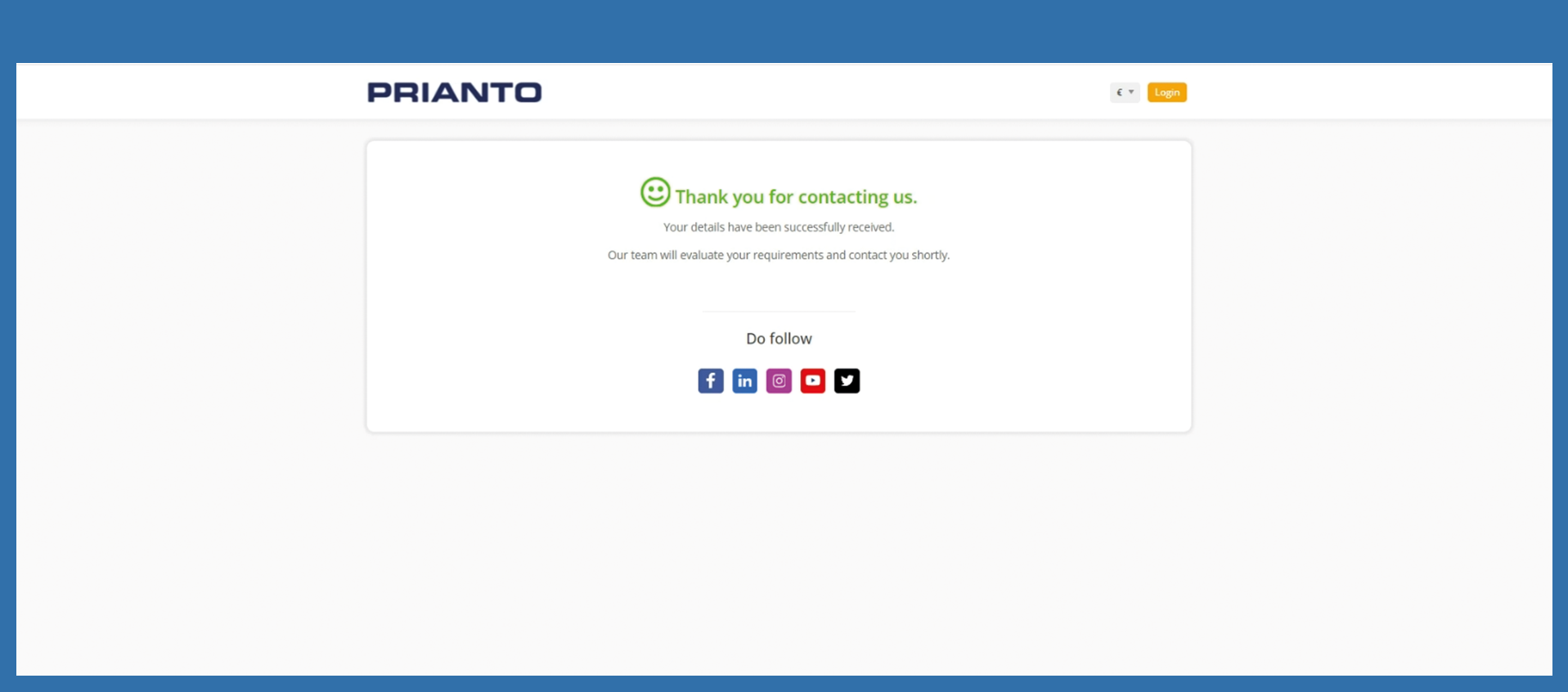
Registration is now complete and must now be verified.
Please note that this check is carried out manually and is only possible during Prianto working hours. You will be notified by email as soon as the process is completed.
You will receive an Email with your credentials. For the next step, please click on the linked picture below.