External Domain
Required for External Solution and next steps: A domain that belongs to you. (This can of course also be purchased at this point), an associated SSL ceritficate and SSL key. And maybe a technical employee from your side.
The External Domain feature allows you to replace the original, often generic, domain name with your own branded domain name. This means that users can access your marketplace using a custom and branded domain, enhancing the marketplace's professional image and reinforcing brand identity.
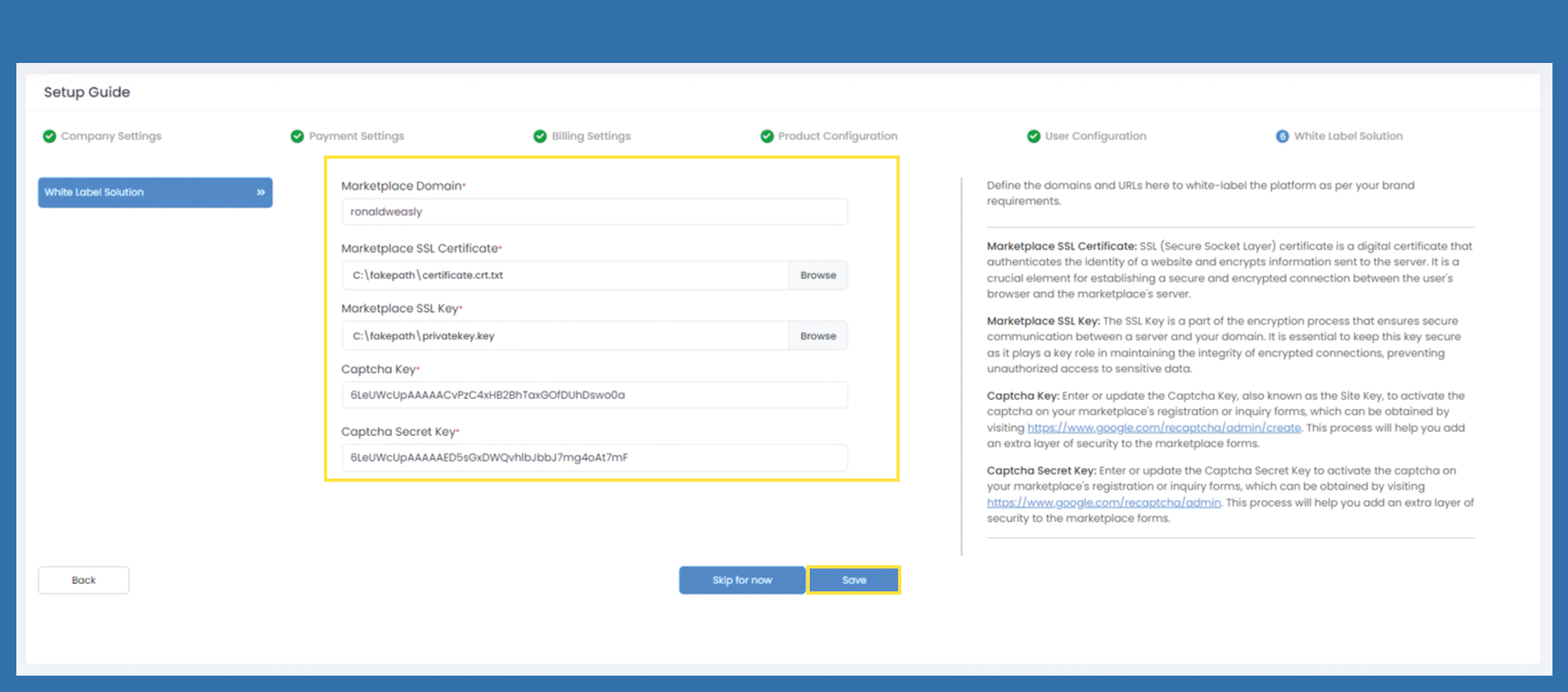
Please click on the Dashboard button to be redirected there.
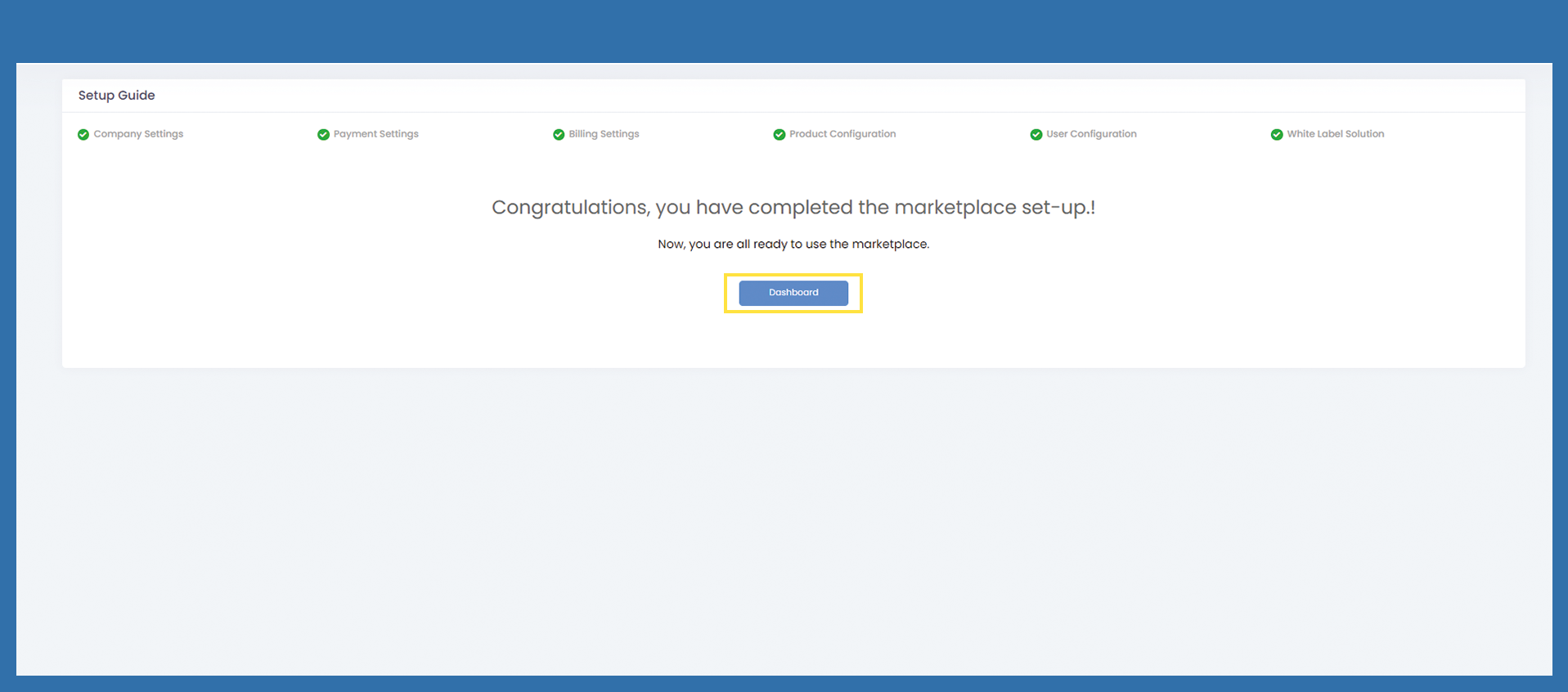
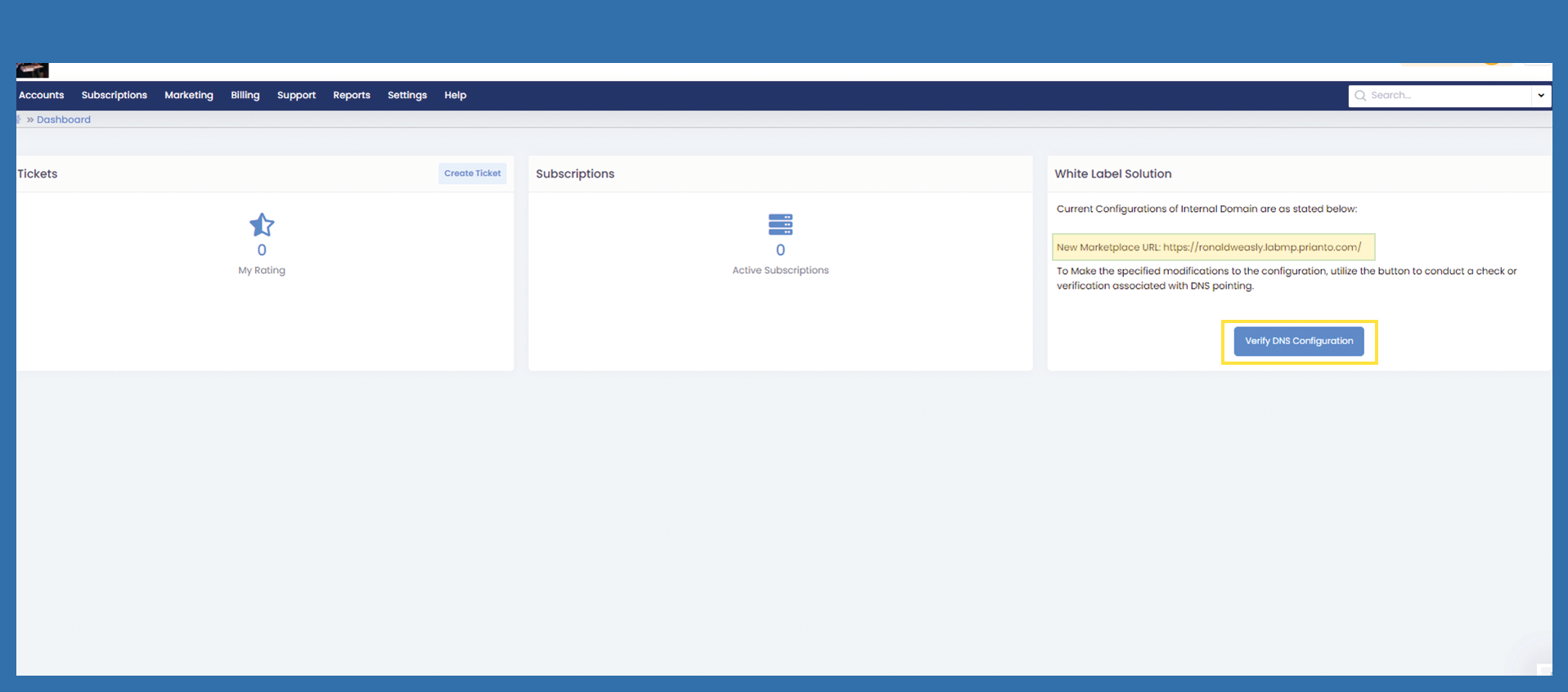
You are now on the dashboard in your Marketplace.
Check your newly created DNS on the right-hand side under White Label Solution. If it is correct, click on Verify DNS Configuration. Then confirm by clicking on Ok. You will then receive an email with the new links for your Marketplace. The access data remains the same as previously assigned
After you confirmed your DNS, you will be redirected to the login page. Please have an eye on your new URL, it changed. Now login with your credentials. You will be asked for Multi factor authentiation.
For the next step, please click on the linked picture below.