Internal Domain
The Internal Domain feature allows you to customize the visible URL when accessing services within your marketplace. It often represents the root domain, provider's domain, or company domain, providing a branded and personalized touch to internal access.
Enter you own domain name and click on save.
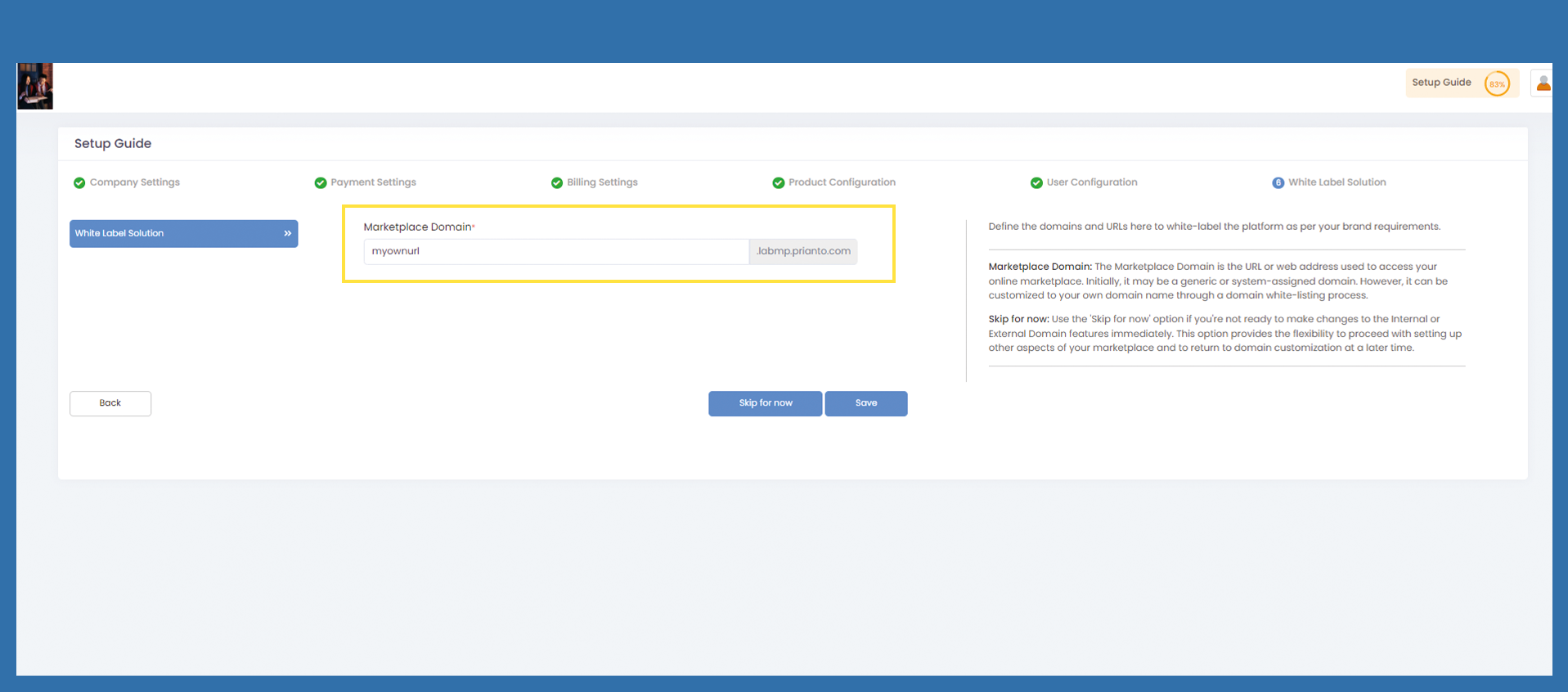
Bild einfügen
Controll you DNS under White Label Solution
Click on Verify DNS Configuration and confirm with OK
Bild einfügen
After you confirmed you will come to the login page.
Please have an eye on your new URL, it changed, now login with your credentials.
You will be asked for Multi factor authentiation. For more information, click on the linked picture.