Support > Tickets > Merge tickets
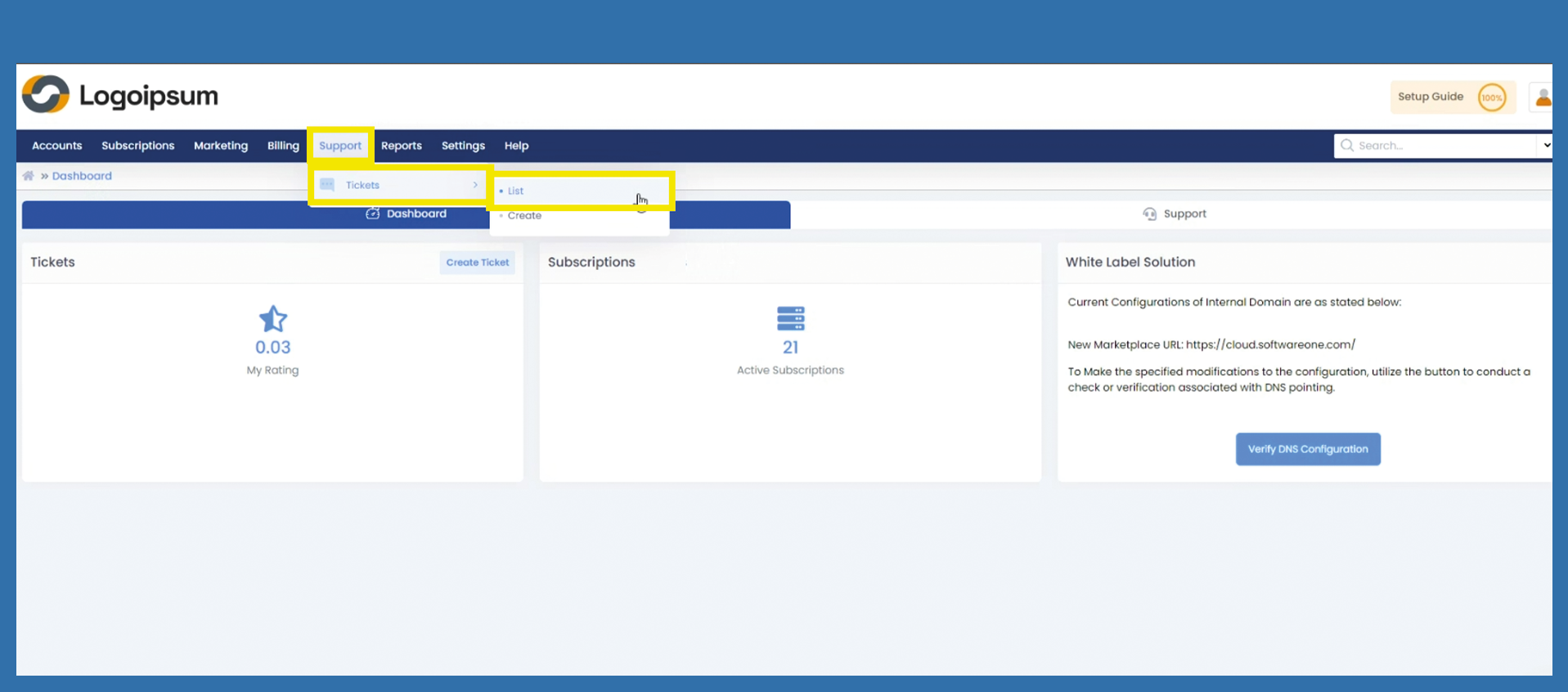
To get to Merge Tickets, please use the following path:
Support > Tickets > List
Merge Tickets is a useful tool to summarize concerns. It can happen that more than one ticket will be created for the same request. Therefore merging tickets prevents duplicate processing.
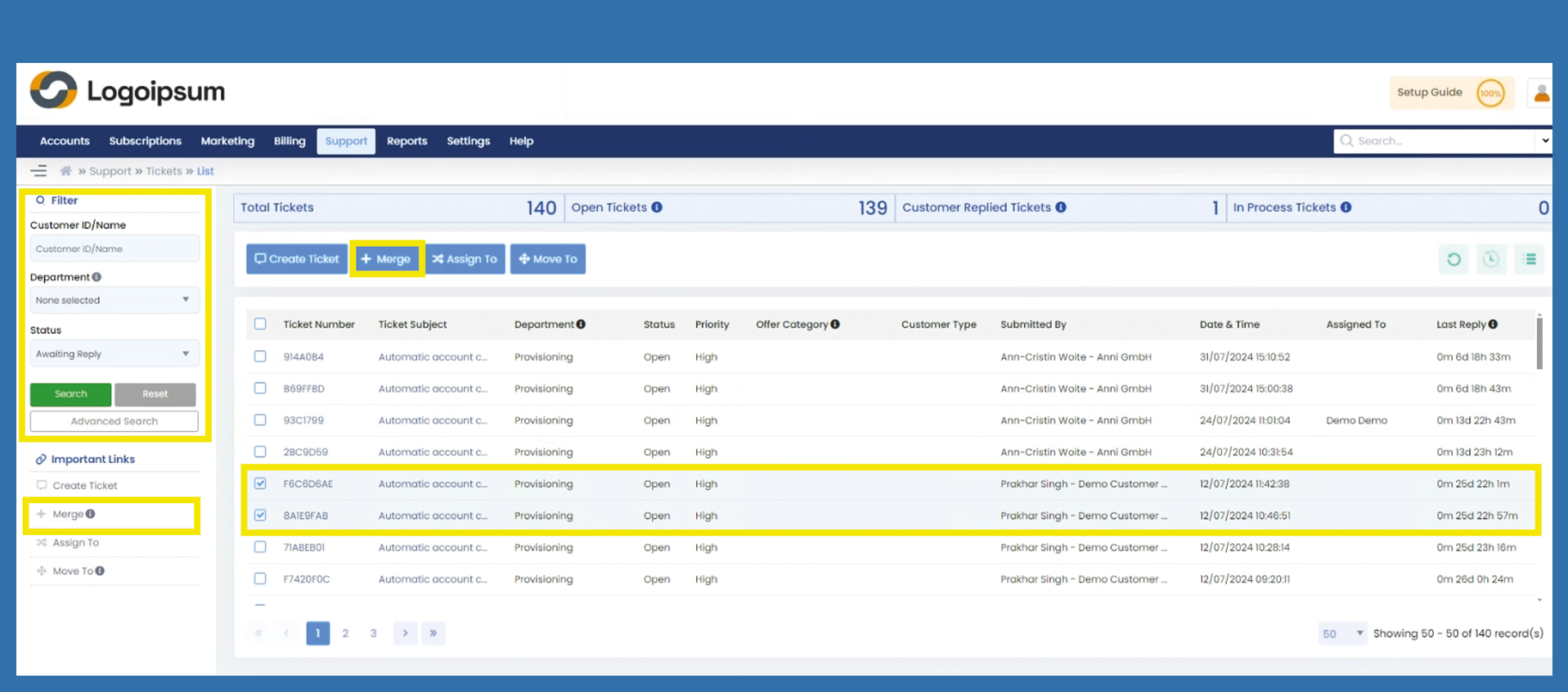
To find the tickets you want to merge, use the filter option on the left hand side. To merge tickets, mark the checkboxes of the tickets you want to merge and click on the blue button above +Merge or under Important Links on the left-hand side.
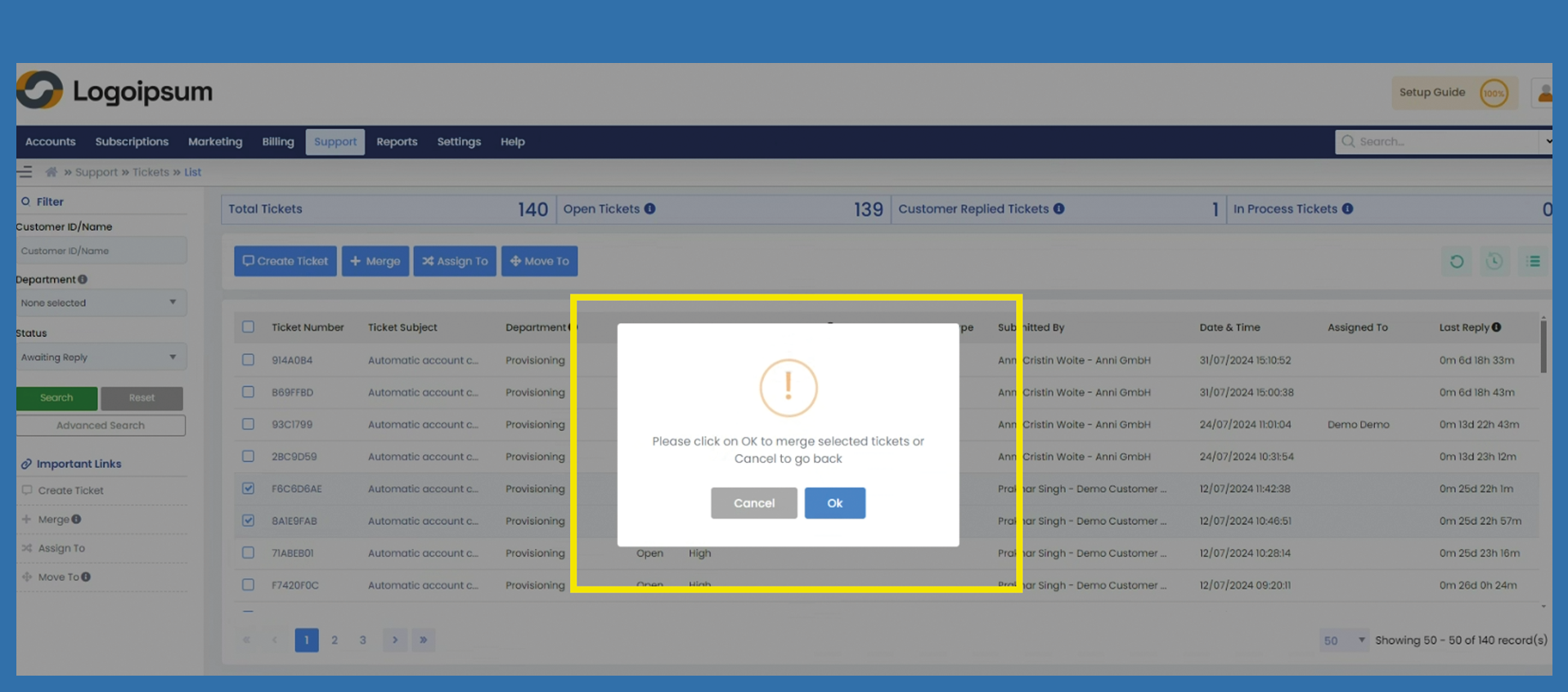
A window will open, click OK to merge the tickets.
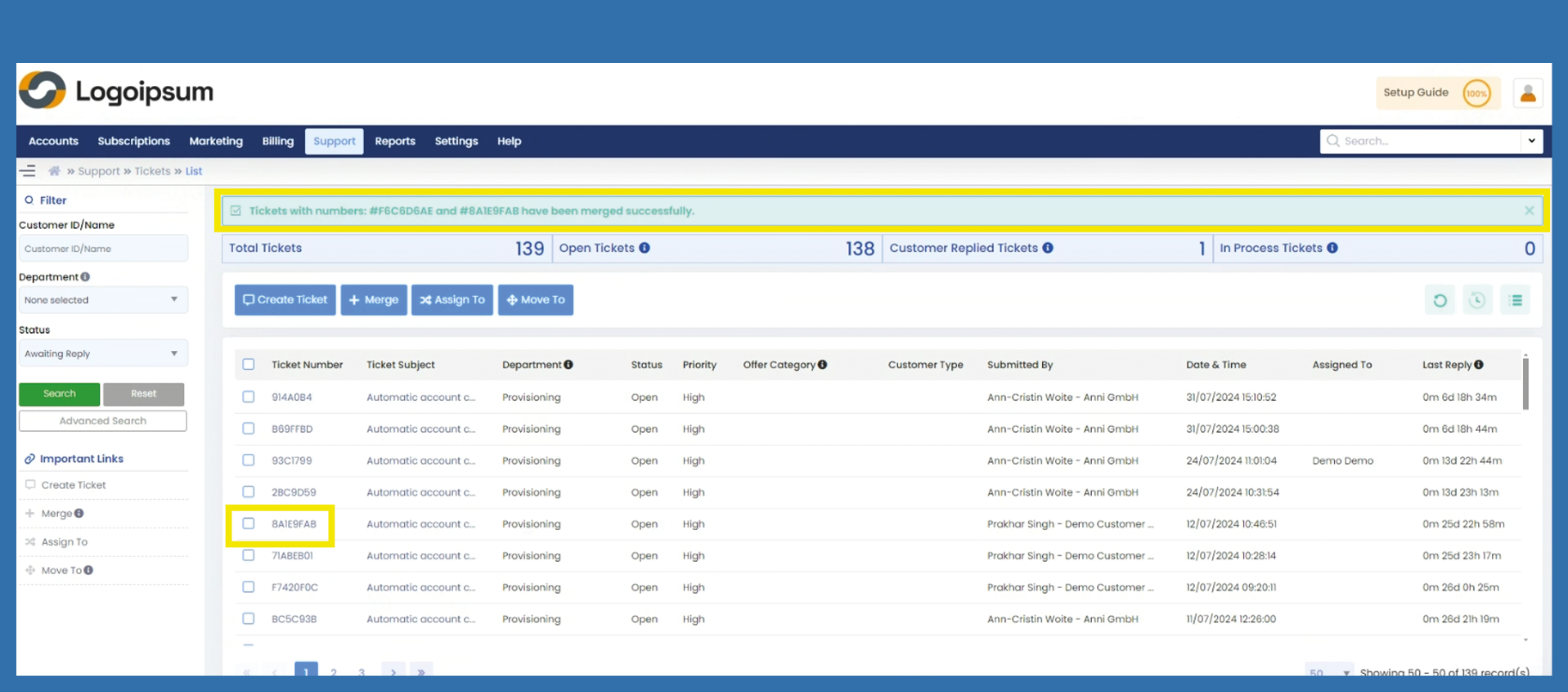
The tickets will be merged and the ticket receives the ticket number as well as the time and date of the oldest ticket.