
Support > Tickets > List
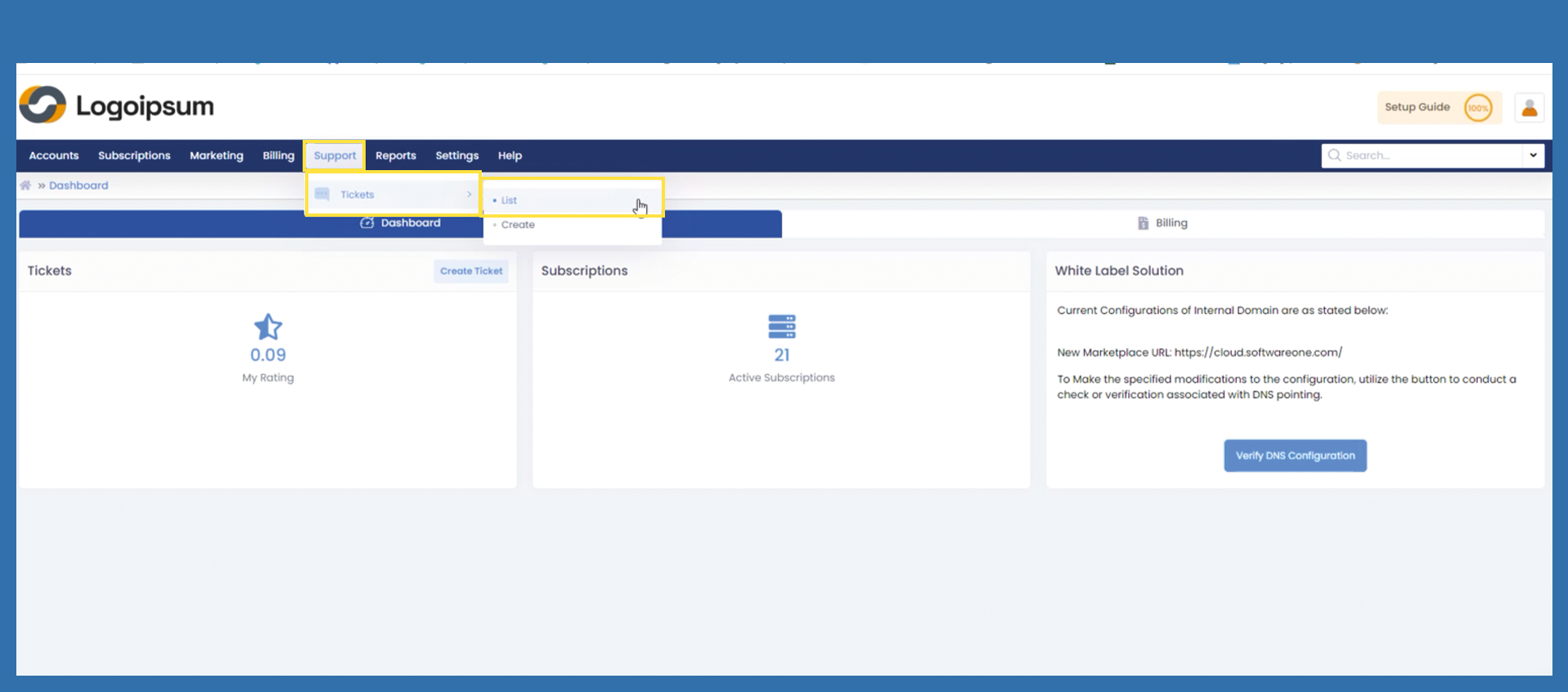
To view all tickets use the following path:
Support > Tickets > List
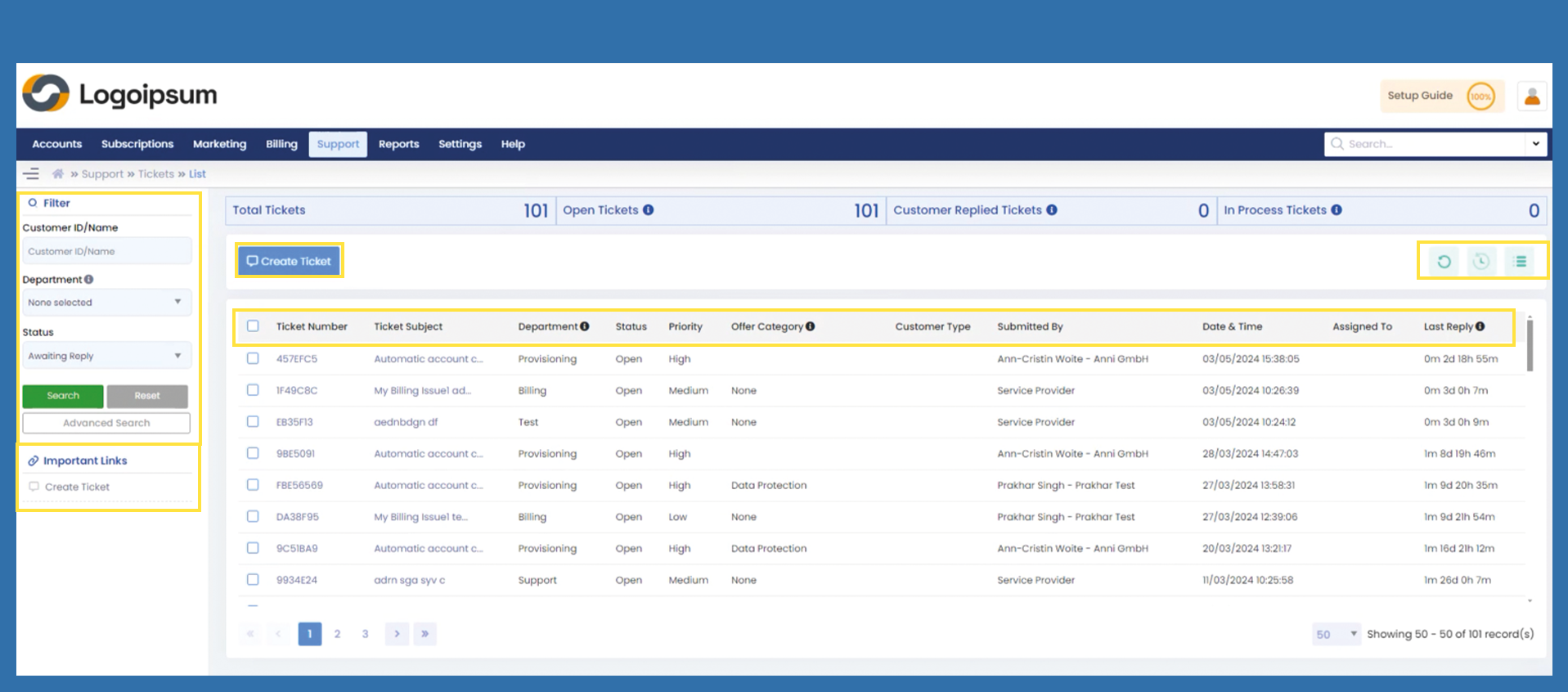
To find a ticket, you can use the filter section or the advanced search on the left-hand side. To customize your subjects you can use the hamburger menu on the upper right sight.
On the upper right side, there are two other symbols you can use. The first one  is to refresh to the hole ticket overview and the second is
  to set up regular updating of the page.
You can also use the Important Links or the blue button to create a ticket from this overview.
All tickets in the Marketplace must be answered!
To process the tickets, follow the links below: