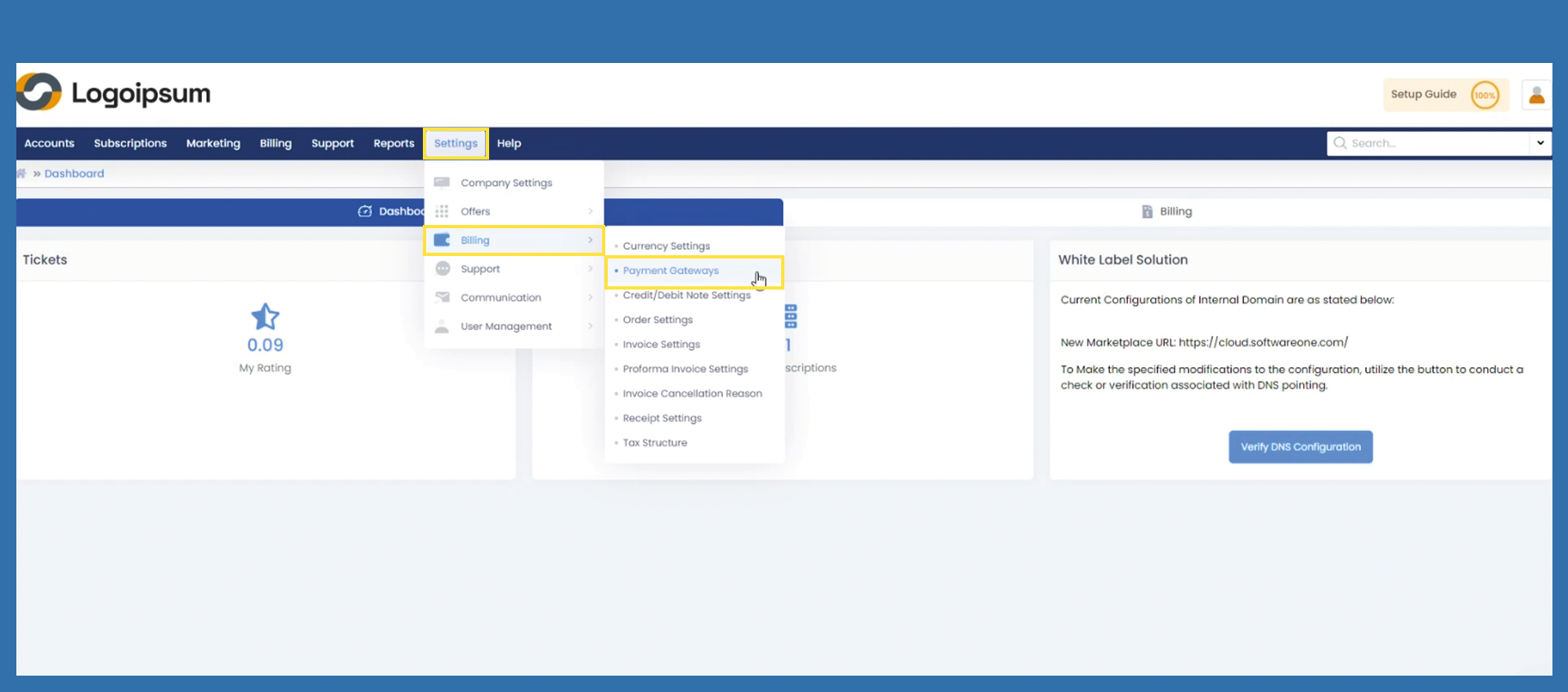
Settings >Billing > Payment Gateways
Use the following setting to offer your end customers certain payment methods. In the Getting Started Wizard we have already set the basic settings for the simple bank transfer.
Settings > Billing > Payment Gateways
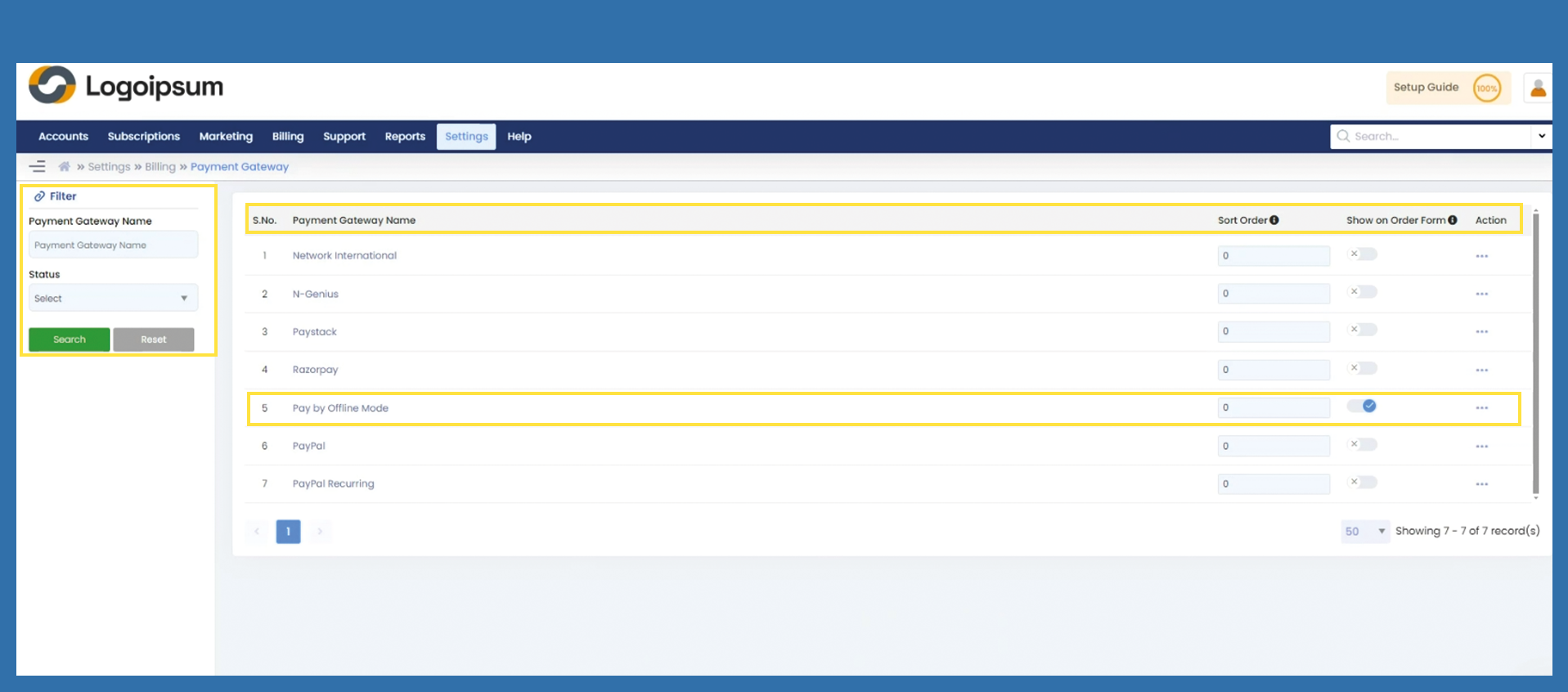
You can use the filter section on the left hand side to find the corresponding payment gateway name. S.No. is a numerical listing. Payment Gateway Name is the name for the corresponding gateway and can be changed as required. Use the field Sort Order by assigning a number to the active payment gateways, you can determine the display by order. No. 1 stands for the first display on the order form. The Slider Show on Order Form makes the corresponding Payment Gateway visible or not.
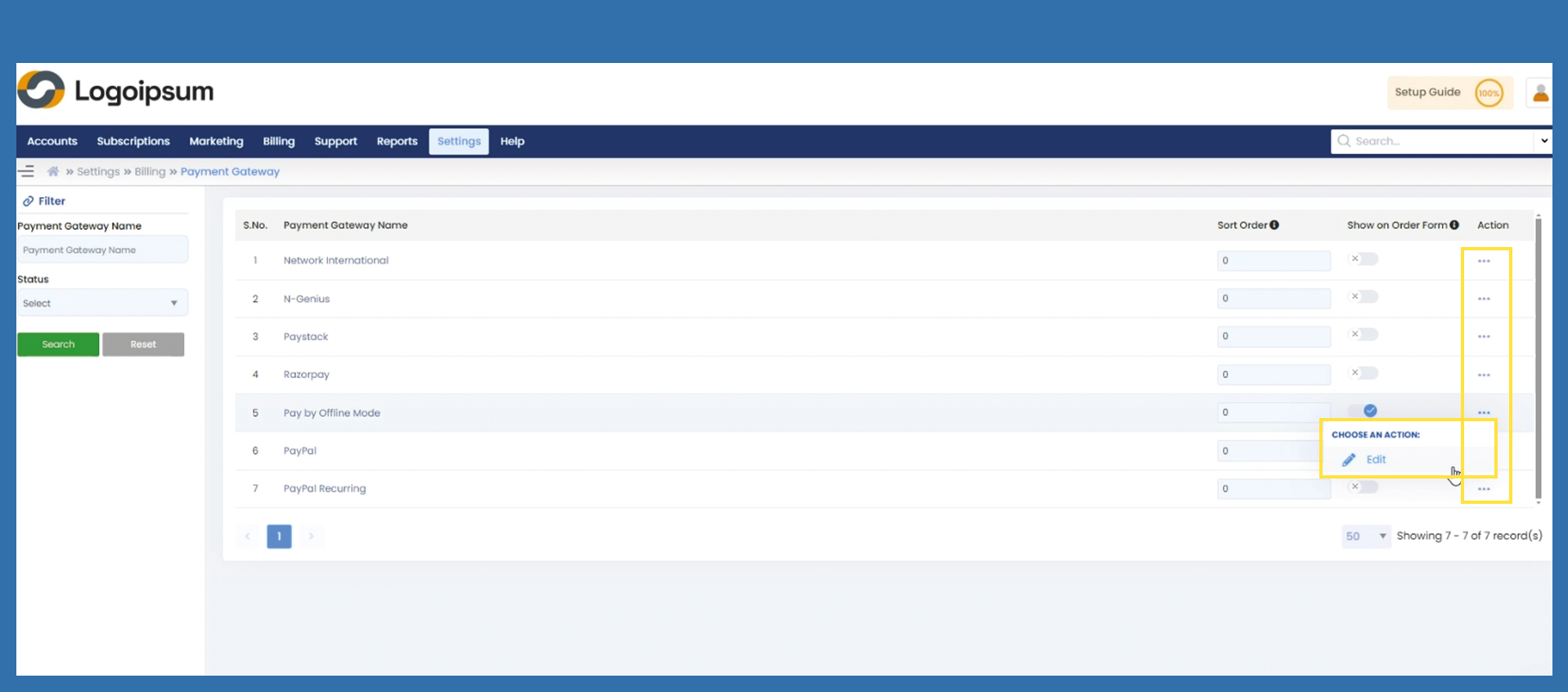
To change existing payment methods, click on the three dots under Action and then on Edit.
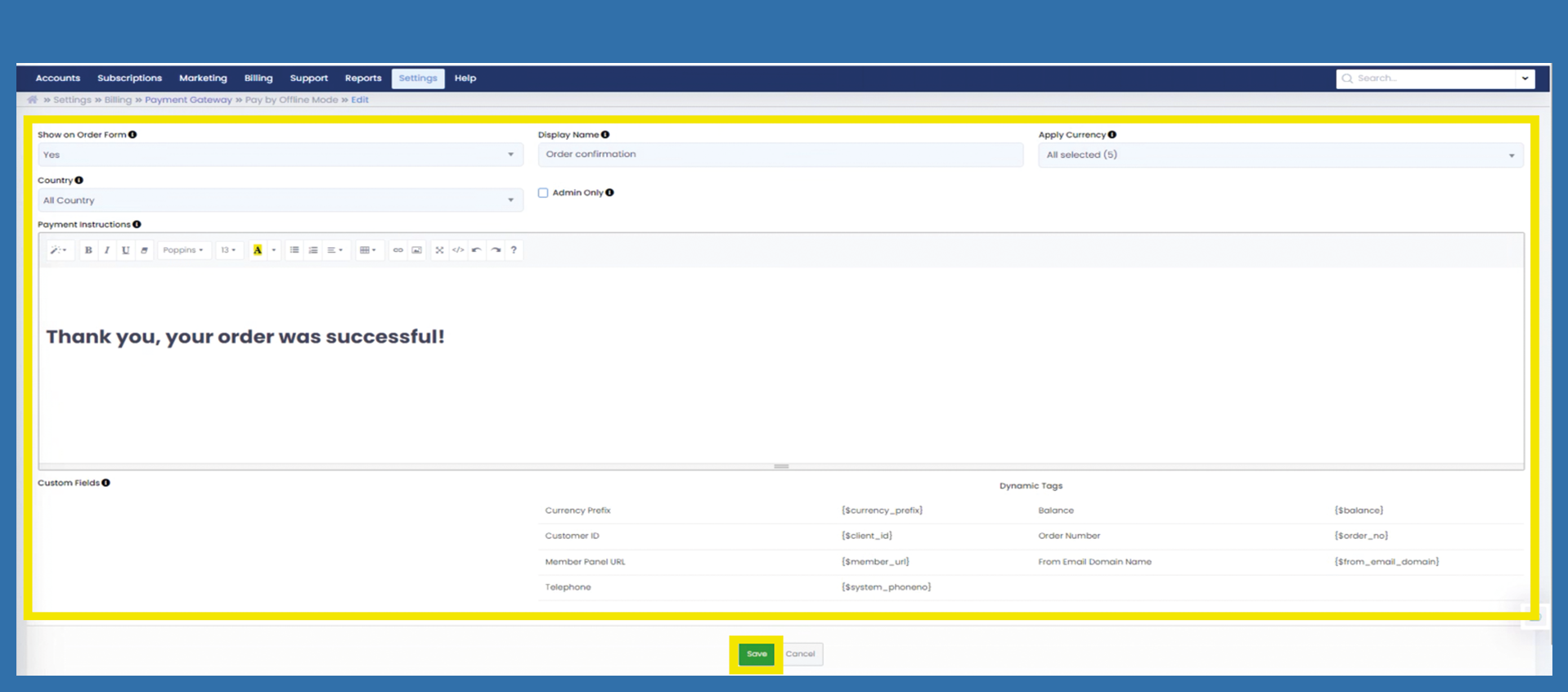
Change the settings as you need them and then click on Save.